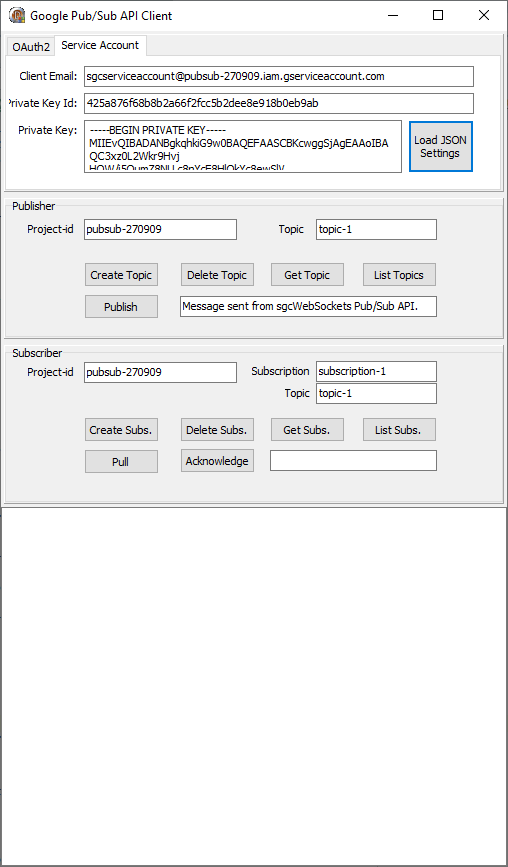
Google Cloud | Google Service Accounts
In order to use the sgcWebSockets Google Cloud components and authenticate using Service Accounts, first you must obtain the Private Key Certificate
from Google Cloud.
Find below the steps to get the Google Private Key Certificate and how to configure it in our PubSub sample application.
First login to your Google Cloud Account and use an existing project or create a new one.
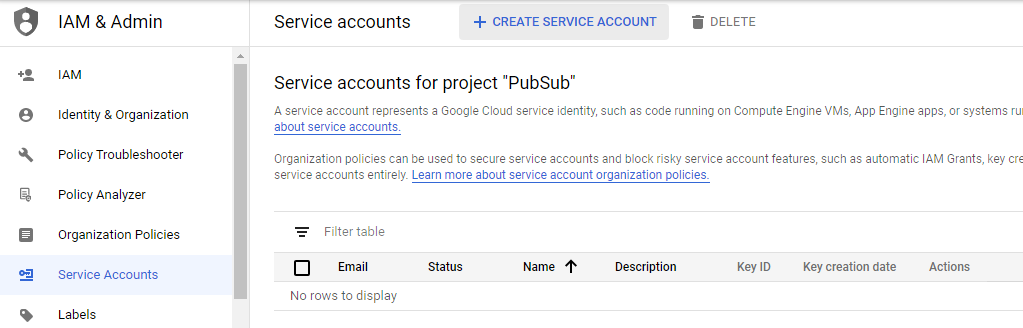
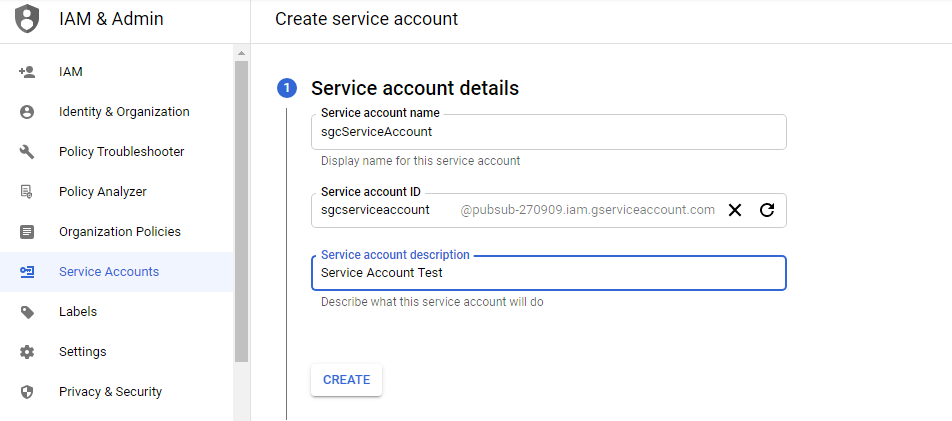
Select CREATE SERVICE ACCOUNT and a new page will be shown where you must set the service account name and description
Then select at least one role. Here we select PubSub Admin to allow the client to publish and subscribe to topics, but you can select another role with fewer privileges.
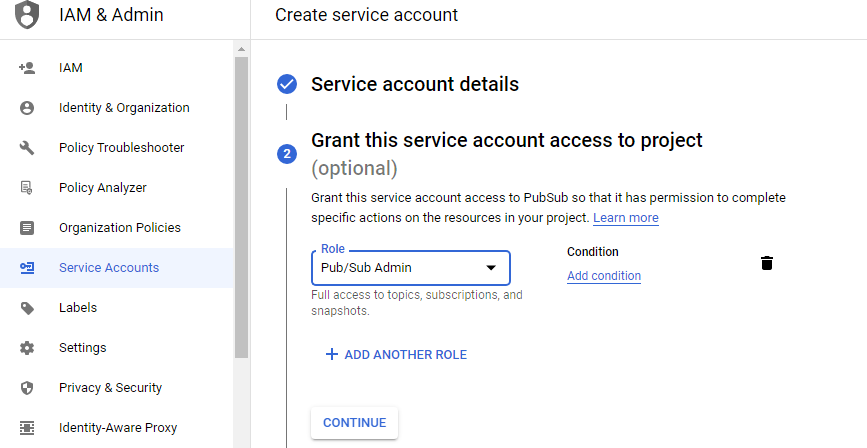
Press CONTINUE and finally you can grant access to other users
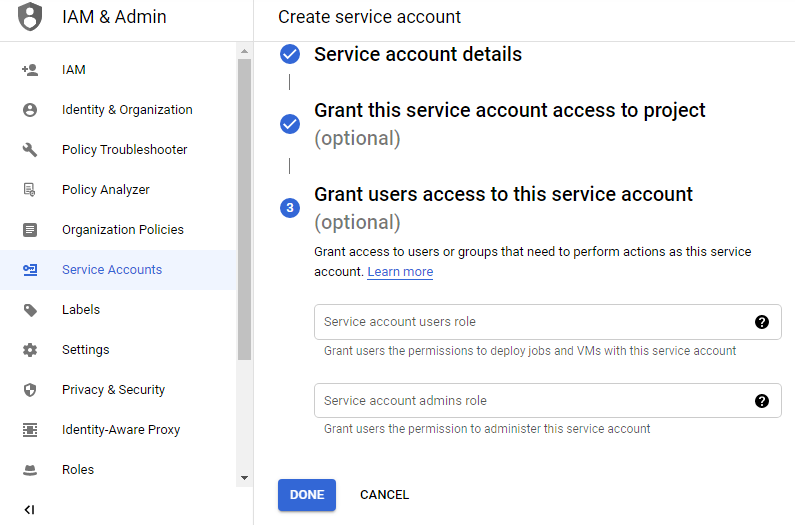
Press DONE when you finish, and a new record will be shown.
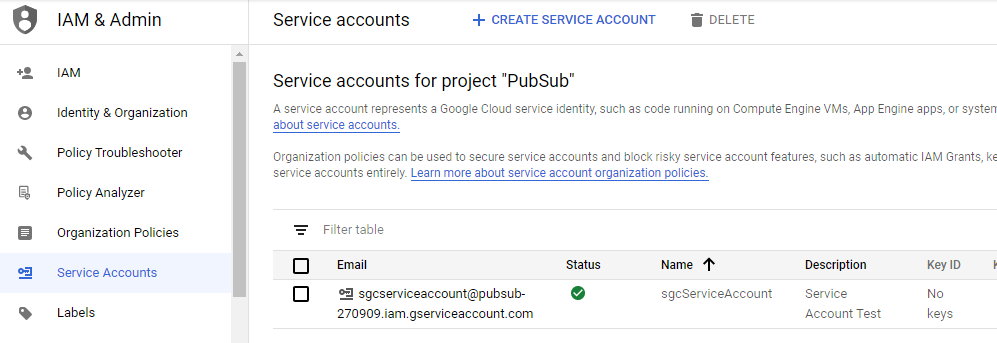
The next step is to create a new key, so select the Create Key option in the actions column. Select JSON to download the configuration in JSON format, and a new key will be created.
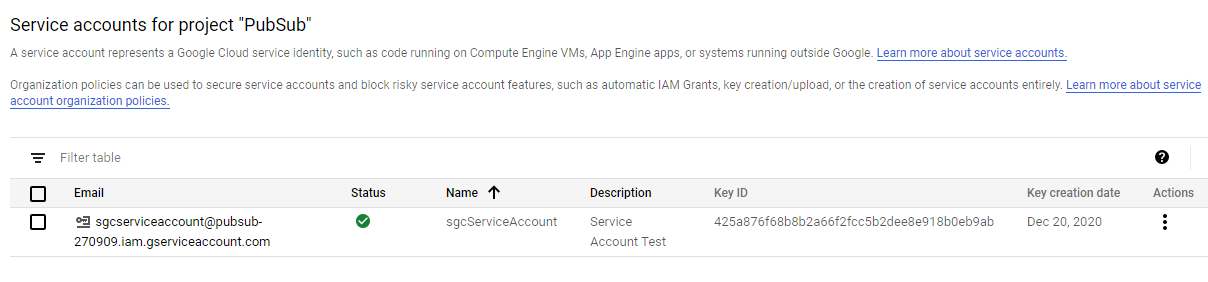
Finally, you only need to fill in the data provided by Google in the sgcWebSockets PubSub client. You can use LoadSettingsFromFile to load the configuration JSON file.