OAuth2 | Exemplo de Servidor
Vamos fazer um exemplo simples de servidor OAuth2, usando um TsgcWebSocketHTTPServer.
Primeiro, crie um novo TsgcWebSocketHTTPServer escutando na porta 443 e utilizando um certificado autoassinado no arquivo sgc.pem.
oServer := TsgcWebSocketHTTPServer.Create(nil);
oServer.Port := 80;
oServer.SSLOptions.Port := 443;
oServer.SSLOptions.CertFile := 'sgc.pem';
oServer.SSLOptions.KeyFile := 'sgc.pem';
oServer.SSLOptions.RootCertFile := 'sgc.pem';
oServer.SSL := True;
Em seguida, crie uma nova instância de TsgcHTTP_OAuth2_Server e atribua-a ao servidor criado anteriormente.
Registre uma nova Aplicação com os seguintes valores:
Name: MyApp
RedirectURI: http://127.0.0.1:8080
ClientId: client-id
ClientSecret: client-secret
OAuth2 := TsgcHTTP_OAuth2_Server.Create(nil);
OAuth2.Apps.AddApp('MyApp', 'http://127.0.0.1:8080', 'client-id', 'client-secret');
oServer.Authentication.Enabled := True;
oServer.Authentication.OAuth.OAuth2 := OAuth2;
Em seguida, manipule o evento OnOAuth2Authentication do componente de servidor OAuth2 e implemente seu próprio método para fazer login dos usuários. Vou usar o par "user/secret" para aceitar um login.
procedure OnAuth2Authentication(Connection: TsgcWSConnection; OAuth2: TsgcHTTPOAuth2Request; aUser,
  aPassword: string; var Authenticated: Boolean);
begin
  if ((aUser = 'user') and (aPassword = 'secret')) then
    Authenticated := True;
end;
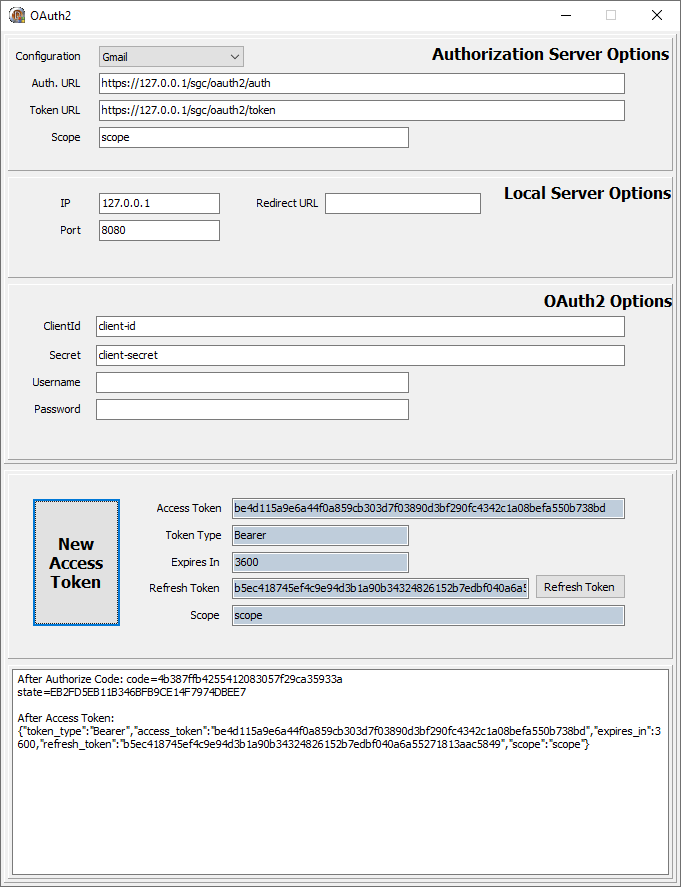
Por fim, inicie o servidor e utilize um cliente OAuth2 para fazer login; por exemplo, você pode utilizar o TsgcHTTP_OAuth2_Client incluído na biblioteca sgcWebSockets.
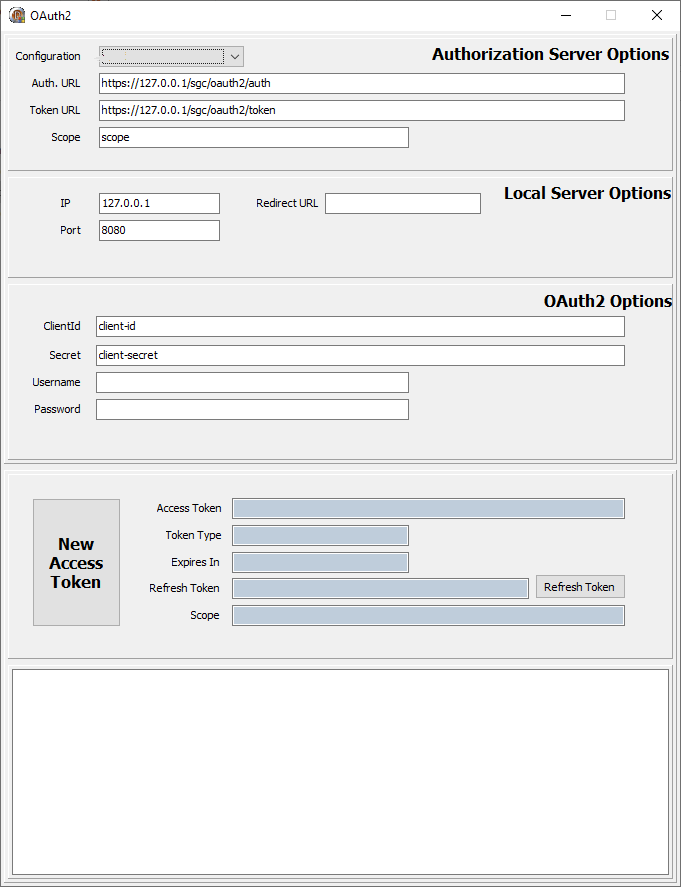
Solicite um Novo Access Token, uma nova sessão de Navegador Web será exibida e o usuário deve Permitir a conexão e então fazer login.
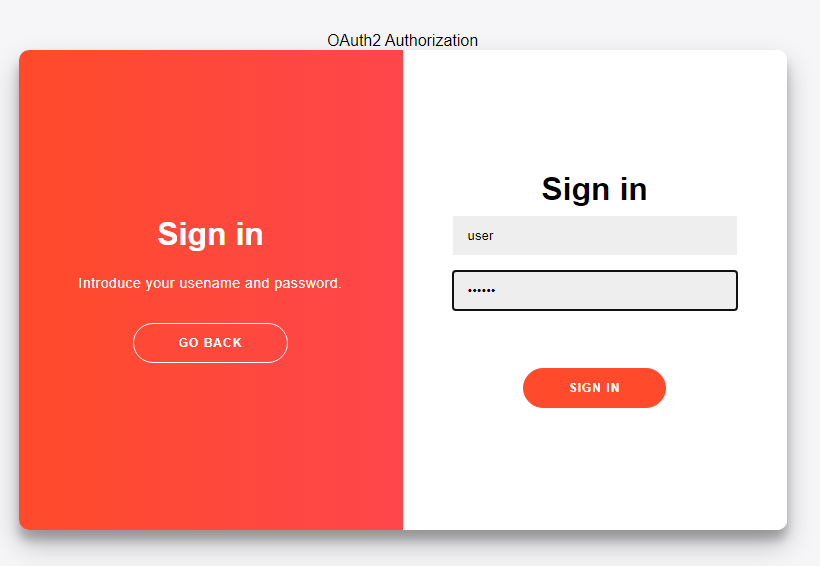
Se o login for bem-sucedido, um novo Token será retornado ao cliente. A partir de então, todas as requisições devem incluir este token bearer nos Headers HTTP.