OAuth2 | Ejemplo de servidor
Realicemos un ejemplo sencillo de servidor OAuth2 utilizando un TsgcWebSocketHTTPServer.
Primero, cree un nuevo TsgcWebSocketHTTPServer escuchando en el puerto 443 y usando un certificado autofirmado en el archivo sgc.pem.
oServer := TsgcWebSocketHTTPServer.Create(nil);
oServer.Port := 80;
oServer.SSLOptions.Port := 443;
oServer.SSLOptions.CertFile := 'sgc.pem';
oServer.SSLOptions.KeyFile := 'sgc.pem';
oServer.SSLOptions.RootCertFile := 'sgc.pem';
oServer.SSL := True;
Luego cree una nueva instancia de TsgcHTTP_OAuth2_Server y asígnela al servidor creado anteriormente.
Registre una nueva Aplicación con los siguientes valores:
Name: MyApp
RedirectURI: http://127.0.0.1:8080
ClientId: client-id
ClientSecret: client-secret
OAuth2 := TsgcHTTP_OAuth2_Server.Create(nil);
OAuth2.Apps.AddApp('MyApp', 'http://127.0.0.1:8080', 'client-id', 'client-secret');
oServer.Authentication.Enabled := True;
oServer.Authentication.OAuth.OAuth2 := OAuth2;
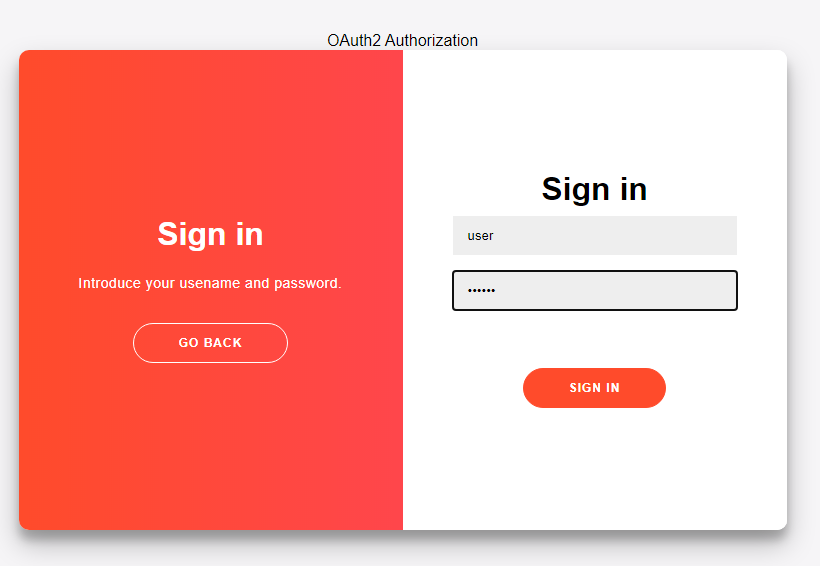
A continuación, gestione el evento OnOAuth2Authentication del componente de servidor OAuth2 e implemente su propio método para iniciar sesión de usuarios. Utilizaré el par "user/secret" para aceptar un inicio de sesión.
procedure OnAuth2Authentication(Connection: TsgcWSConnection; OAuth2: TsgcHTTPOAuth2Request; aUser,
  aPassword: string; var Authenticated: Boolean);
begin
  if ((aUser = 'user') and (aPassword = 'secret')) then
    Authenticated := True;
end;
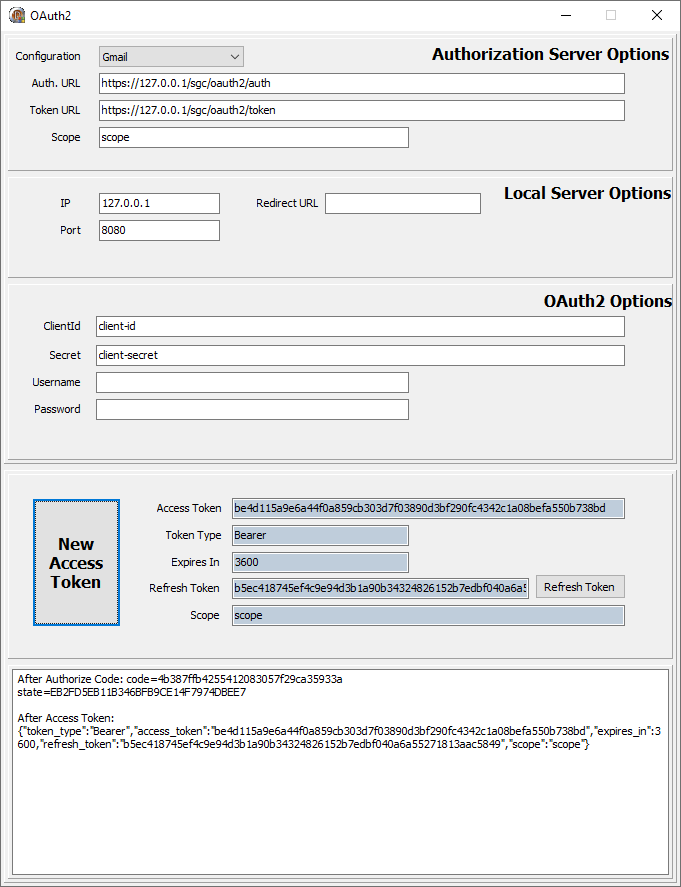
Por último, inicie el servidor y use un cliente OAuth2 para iniciar sesión; por ejemplo, puede usar el TsgcHTTP_OAuth2_Client incluido con la librería sgcWebSockets.
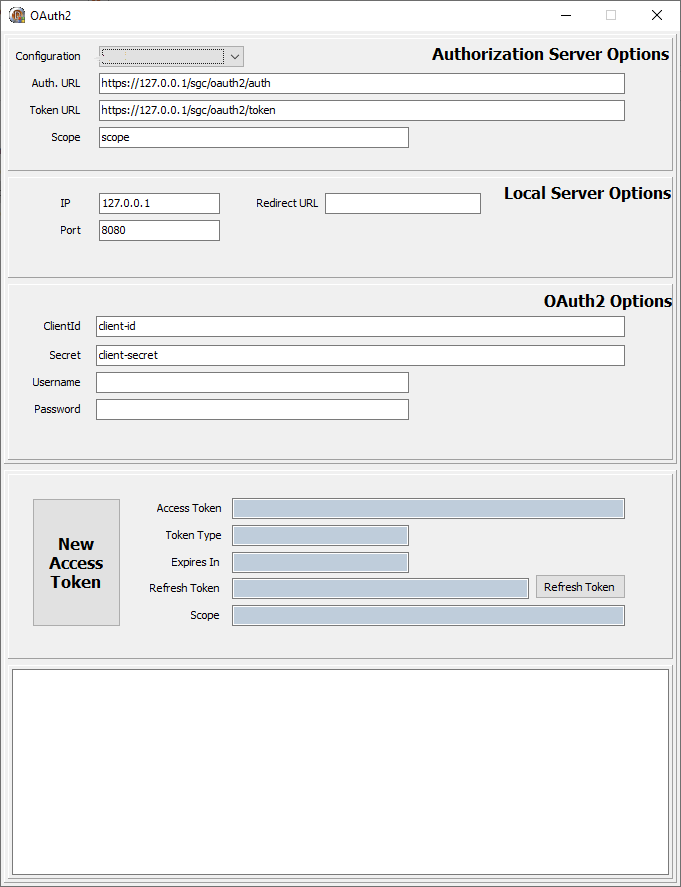
Solicitar un Nuevo Token de Acceso; se mostrará una nueva sesión del navegador web y el usuario deberá Permitir la conexión e iniciar sesión.
Si el inicio de sesión es satisfactorio, se devolverá un nuevo Token al cliente. A partir de ese momento, todas las solicitudes deben incluir este token bearer en las cabeceras HTTP.