OAuth2 | Esempio server
Facciamo un semplice esempio di server OAuth2, utilizzando un TsgcWebSocketHTTPServer.
Prima di tutto, creare un nuovo TsgcWebSocketHTTPServer in ascolto sulla porta 443 e utilizzando un certificato autofirmato nel file sgc.pem.
oServer := TsgcWebSocketHTTPServer.Create(nil);
oServer.Port := 80;
oServer.SSLOptions.Port := 443;
oServer.SSLOptions.CertFile := 'sgc.pem';
oServer.SSLOptions.KeyFile := 'sgc.pem';
oServer.SSLOptions.RootCertFile := 'sgc.pem';
oServer.SSL := True;
Quindi crei una nuova istanza di TsgcHTTP_OAuth2_Server e la assegni al server creato in precedenza.
Registra una nuova applicazione con i seguenti valori:
Name: MyApp
RedirectURI: http://127.0.0.1:8080
ClientId: client-id
ClientSecret: client-secret
OAuth2 := TsgcHTTP_OAuth2_Server.Create(nil);
OAuth2.Apps.AddApp('MyApp', 'http://127.0.0.1:8080', 'client-id', 'client-secret');
oServer.Authentication.Enabled := True;
oServer.Authentication.OAuth.OAuth2 := OAuth2;
Gestisca quindi l'evento OnOAuth2Authentication del componente server OAuth2 e implementi il proprio metodo per l'accesso degli utenti. Utilizzerò la coppia "user/secret" per accettare un accesso.
procedure OnAuth2Authentication(Connection: TsgcWSConnection; OAuth2: TsgcHTTPOAuth2Request; aUser,
  aPassword: string; var Authenticated: Boolean);
begin
  if ((aUser = 'user') and (aPassword = 'secret')) then
    Authenticated := True;
end;
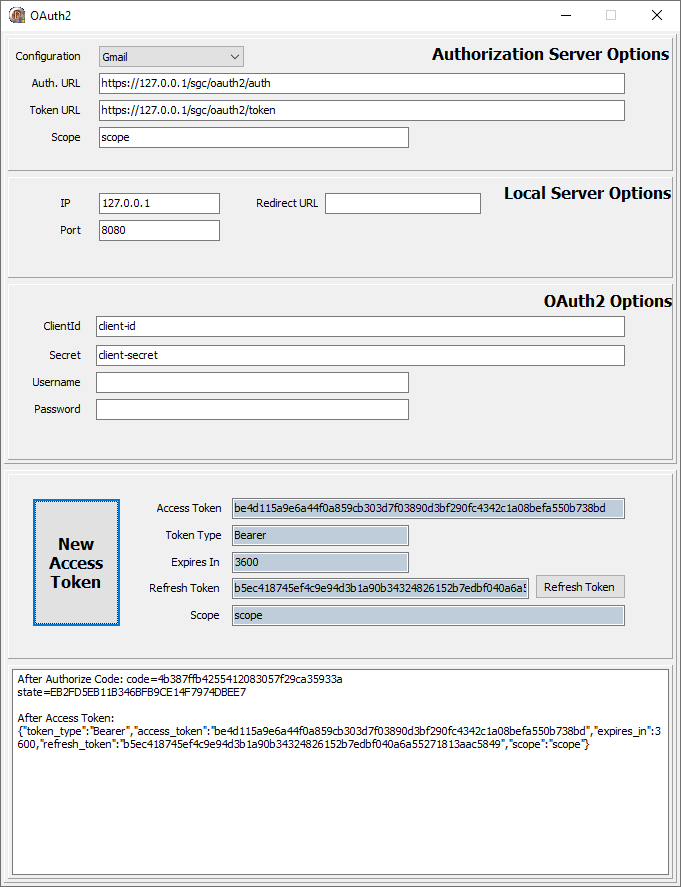
Infine, avviare il server e utilizzare un client OAuth2 per effettuare il login; ad esempio è possibile utilizzare il componente TsgcHTTP_OAuth2_Client incluso nella libreria sgcWebSockets.
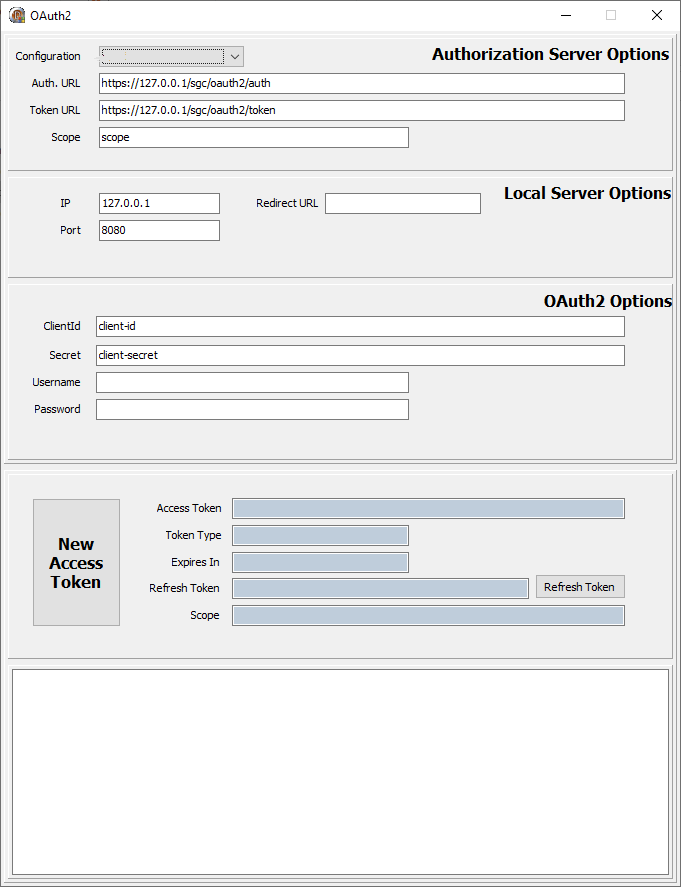
Richiede un nuovo Access Token; verrà visualizzata una nuova sessione del browser web e l'utente dovrà consentire la connessione e quindi effettuare il login.
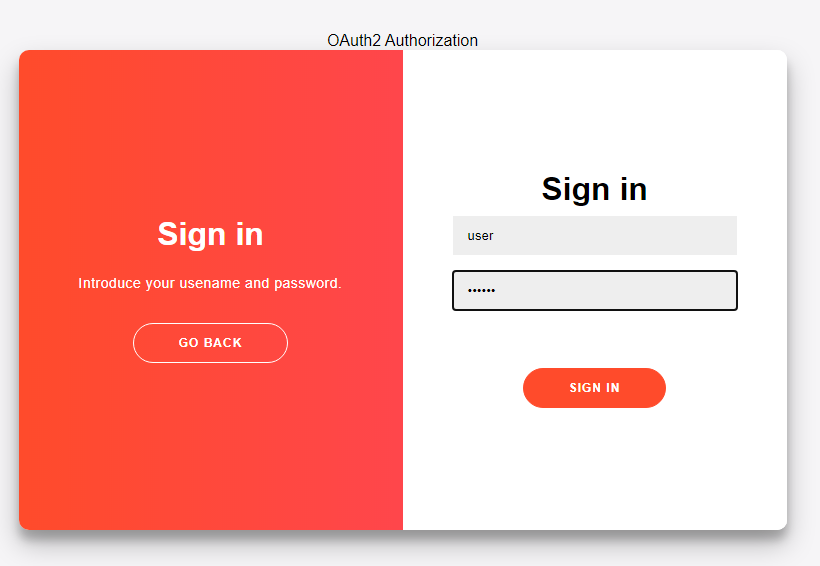
Se il login ha esito positivo, al client viene restituito un nuovo Token. Tutte le richieste successive devono includere questo token bearer nelle intestazioni HTTP.