OAuth2 | サーバー 使用例
TsgcWebSocketHTTPServer を使用したシンプルな OAuth2 サーバーの例を作成してみましょう。
まず、ポート 443 でリッスンし、sgc.pem ファイルの自己署名証明書を使用する新しい TsgcWebSocketHTTPServer を作成します。
oServer := TsgcWebSocketHTTPServer.Create(nil);
oServer.Port := 80;
oServer.SSLOptions.Port := 443;
oServer.SSLOptions.CertFile := 'sgc.pem';
oServer.SSLOptions.KeyFile := 'sgc.pem';
oServer.SSLOptions.RootCertFile := 'sgc.pem';
oServer.SSL := True;
次に TsgcHTTP_OAuth2_Server の新しいインスタンスを作成し、事前に作成したサーバーに割り当てます。
次の値で新しいアプリケーションを登録します。
Name: MyApp
RedirectURI: http://127.0.0.1:8080
ClientId: client-id
ClientSecret: client-secret
OAuth2 := TsgcHTTP_OAuth2_Server.Create(nil);
OAuth2.Apps.AddApp('MyApp', 'http://127.0.0.1:8080', 'client-id', 'client-secret');
oServer.Authentication.Enabled := True;
oServer.Authentication.OAuth.OAuth2 := OAuth2;
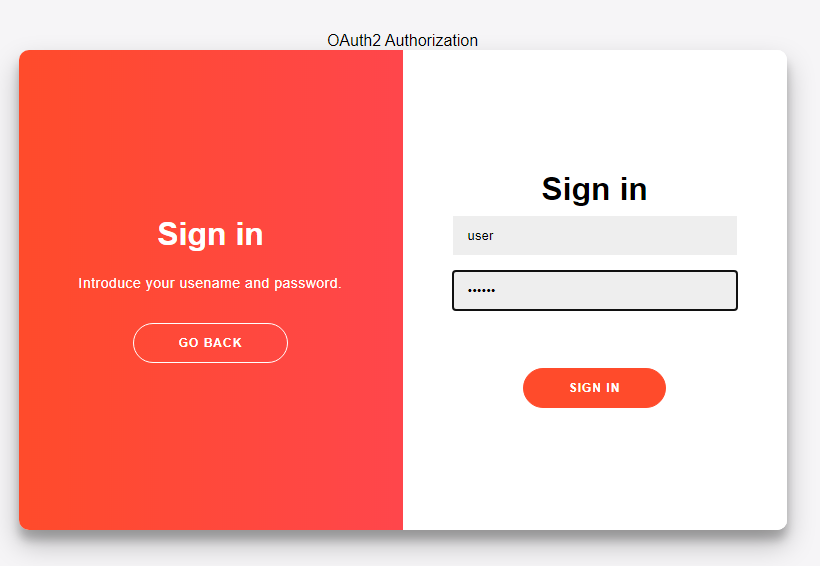
次に OAuth2 サーバーコンポーネントの OnOAuth2Authentication イベントを処理し、ユーザーをログインさせる独自のメソッドを実装します。ここでは "user/secret" のペアを使用してログインを受け入れます。
procedure OnAuth2Authentication(Connection: TsgcWSConnection; OAuth2: TsgcHTTPOAuth2Request; aUser,
  aPassword: string; var Authenticated: Boolean);
begin
  if ((aUser = 'user') and (aPassword = 'secret')) then
    Authenticated := True;
end;
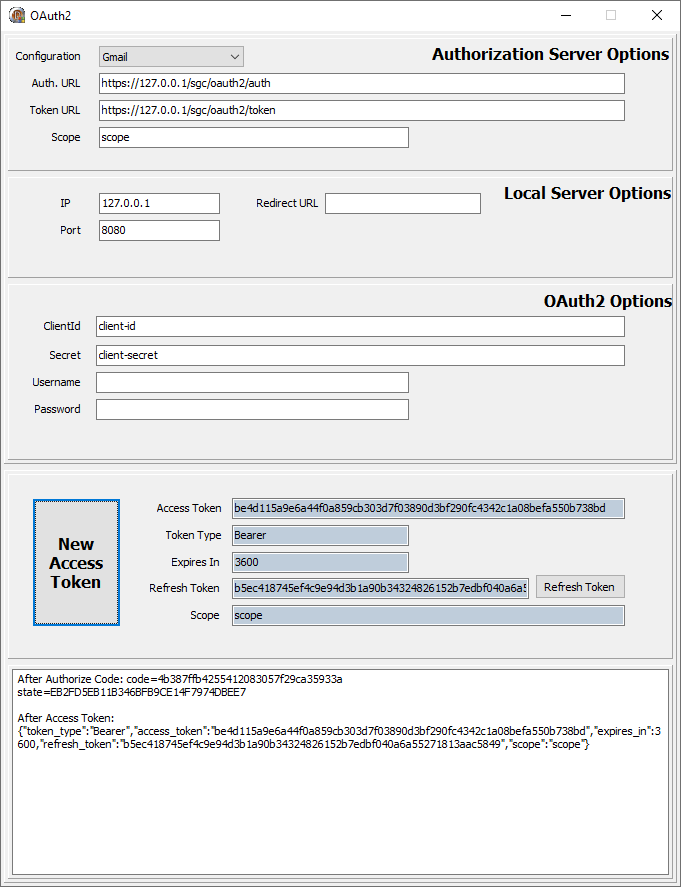
最後に、サーバーを起動して OAuth2 クライアントを使用してログインします。例えば、sgcWebSockets ライブラリに含まれる TsgcHTTP_OAuth2_Client を使用できます。
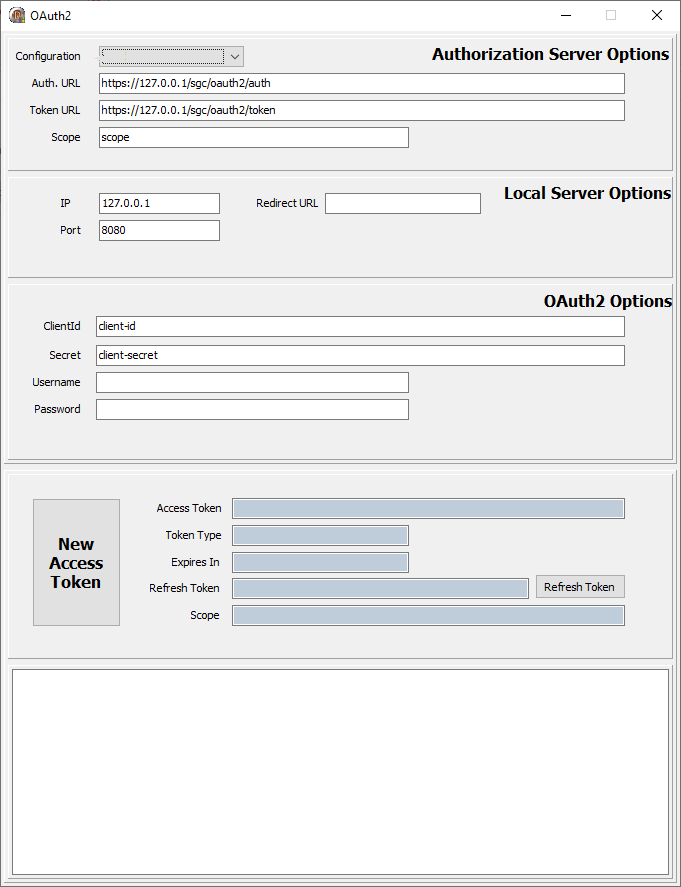
新しいアクセストークンをリクエストします。新しい Web ブラウザーセッションが表示され、ユーザーは接続を許可してからログインする必要があります。
ログインが成功すると、新しいトークンがクライアントに返されます。その後のすべてのリクエストには、HTTP ヘッダーにこの Bearer トークンを含める必要があります。