OAuth2 | Server Example
Let's do a simple OAuth2 server example, using a TsgcWebSocketHTTPServer.
First, create a new TsgcWebSocketHTTPServer listening on port 443 and using a self-signed certificate in sgc.pem file.
oServer = new TsgcWebSocketHTTPServer();
oServer.Port = 80;
oServer.SSLOptions.Port = 443;
oServer.SSLOptions.CertFile = "sgc.pem";
oServer.SSLOptions.KeyFile = "sgc.pem";
oServer.SSLOptions.RootCertFile = "sgc.pem";
oServer.SSL = true;
Then create a new instance of TsgcHTTP_OAuth2_Server and assign to previously created server.
Register a new Application with the following values:
Name: MyApp
RedirectURI: http://127.0.0.1:8080
ClientId: client-id
ClientSecret: client-secret
OAuth2 = new TsgcHTTP_OAuth2_Server.Create();
OAuth2.Apps.AddApp("MyApp", "http://127.0.0.1:8080", "client-id", "client-secret");
oServer.Authentication.Enabled = true;
oServer.Authentication.OAuth.OAuth2 = OAuth2;
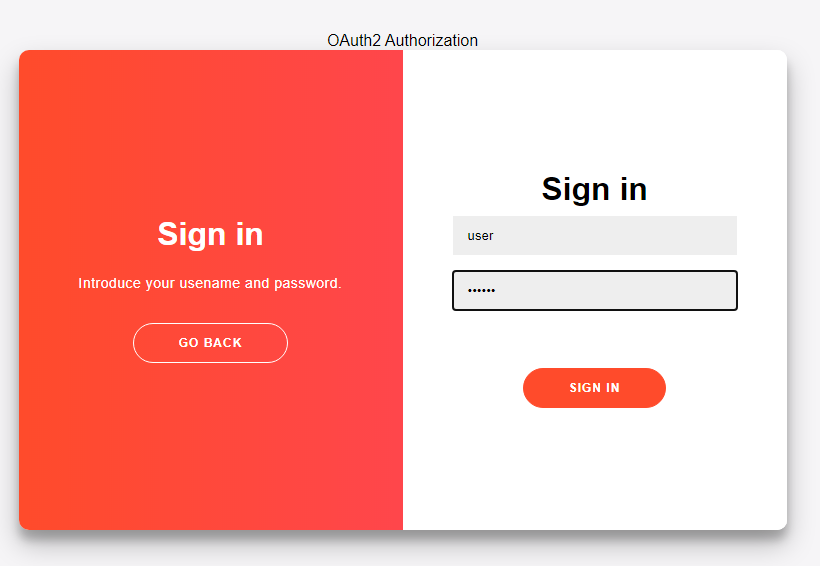
Then handle OnOAuth2Authentication event of OAuth2 server component and implement your own method to login users. I will use the pair "user/secret" to accept a login.
void OnOAuth2Authentication(TsgcWSConnection Connection, TsgcHTTPOAuth2Request OAuth2, string aUser,
  string aPassword, ref bool Authenticated)
{
  if ((aUser == "user") and (aPassword == "secret"))
  {
    Authenticated = true;
  }
}
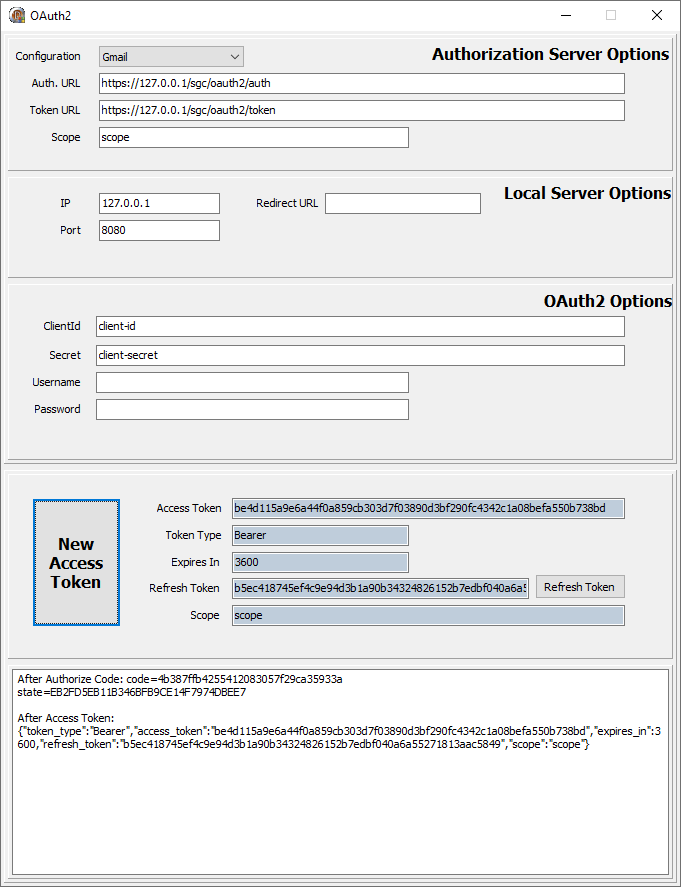
Finally start the server and use a OAuth2 client to login, example you can use the TsgcHTTP_OAuth2_Client included with sgcWebSockets library.
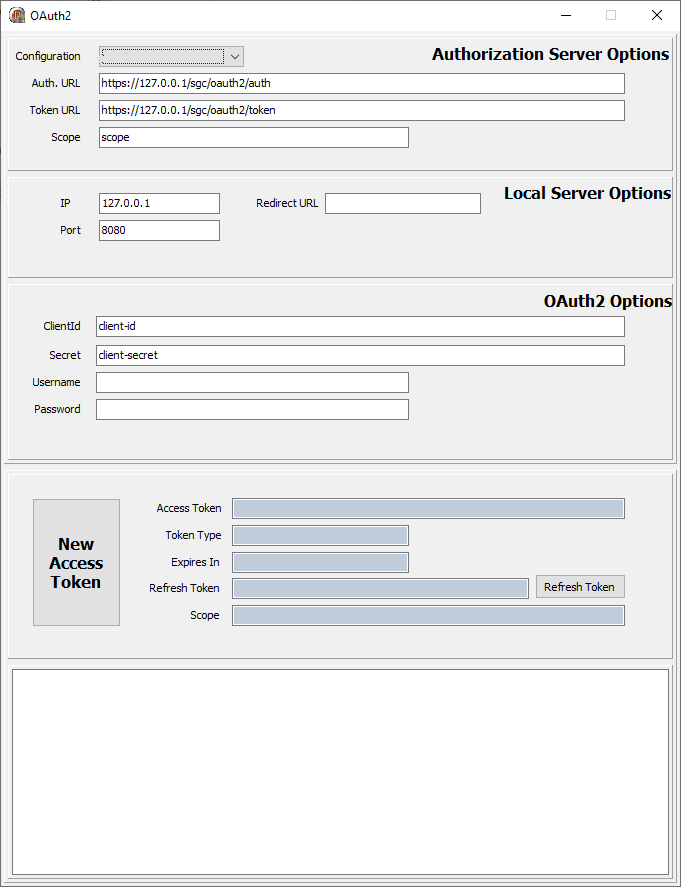
Request a New Access Token, a new Web Browser session will be shown and user must Allow connection and then login.
If login is successful a new Token will be returned to the client. Then all the requests must include this bearer token in the HTTP Headers.