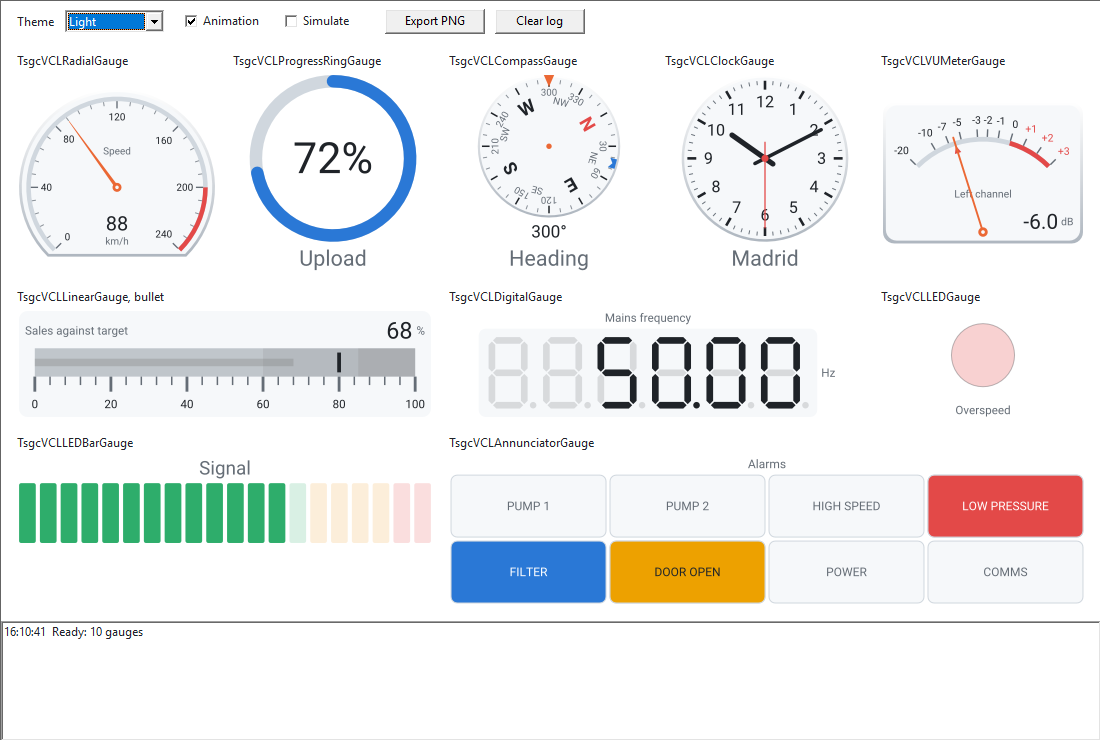
몇 줄로 만드는 압력 게이지.
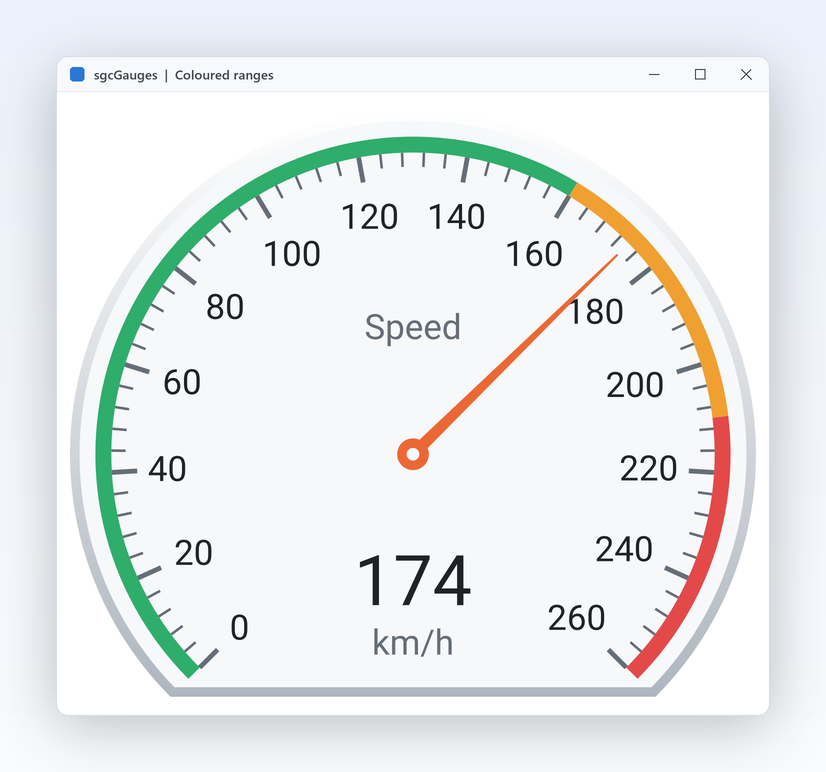
눈금을 정하고, 빨간 구간과 알람 임계값을 추가하고, 이징 곡선을 고른 다음, 같은 게이지를 PNG로 내보내세요. Delphi, C++ Builder, C#에서 같은 API를 써요.
dotnet add package esegece.sgcGauges.WinForms
C++ Builder와 C# 버전
uses
  SysUtils, Classes, Controls, Forms, sgcUICore_Theme,
  sgcGauges_Types, sgcGauges_Model, sgcGauges_VCL;

procedure CreatePressureGauge(aForm: TForm);
var
  oGauge: TsgcVCLRadialGauge;
begin
  oGauge := TsgcVCLRadialGauge.Create(aForm);
  oGauge.Parent := aForm;
  oGauge.SetBounds(16, 16, 240, 240);
  oGauge.Title := 'Pressure';
  oGauge.Units := 'bar';
  oGauge.Theme := utDark;
  oGauge.Scales[0].Maximum := 10;
  oGauge.Scales[0].MajorInterval := 2;
  // a red band from 8 to 10 bar
  with oGauge.Scales[0].Ranges.Add do
  begin
    StartValue := 8;
    EndValue := 10;
    Color := $FFE34948;
  end;
  // OnThreshold fires once per crossing, in the main thread
  with oGauge.Thresholds.Add do
  begin
    Value := 8;
    Hysteresis := 0.5;
    Direction := gtdBoth;
  end;
  oGauge.Animation.Easing := geCubicOut;
  oGauge.Value := 6.5;
  // the same drawing code exports the gauge to PNG at twice its size
  oGauge.SaveToPNG(ExtractFilePath(ParamStr(0)) + 'pressure.png', 2);
end;