14 native UI products.
One suite. One design.
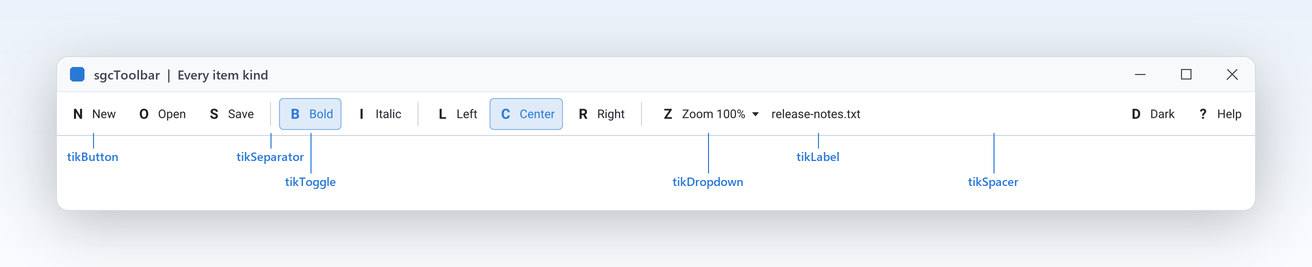
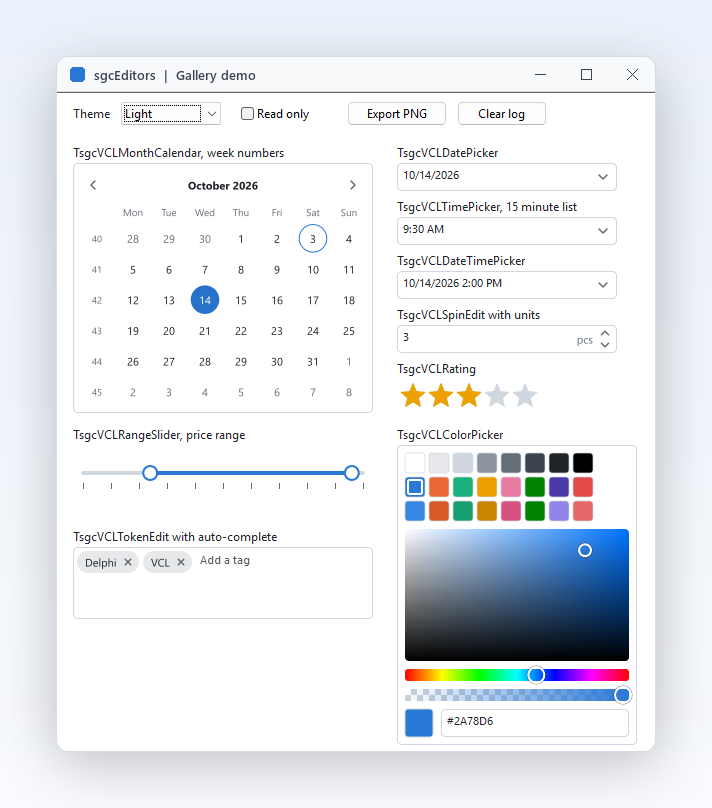
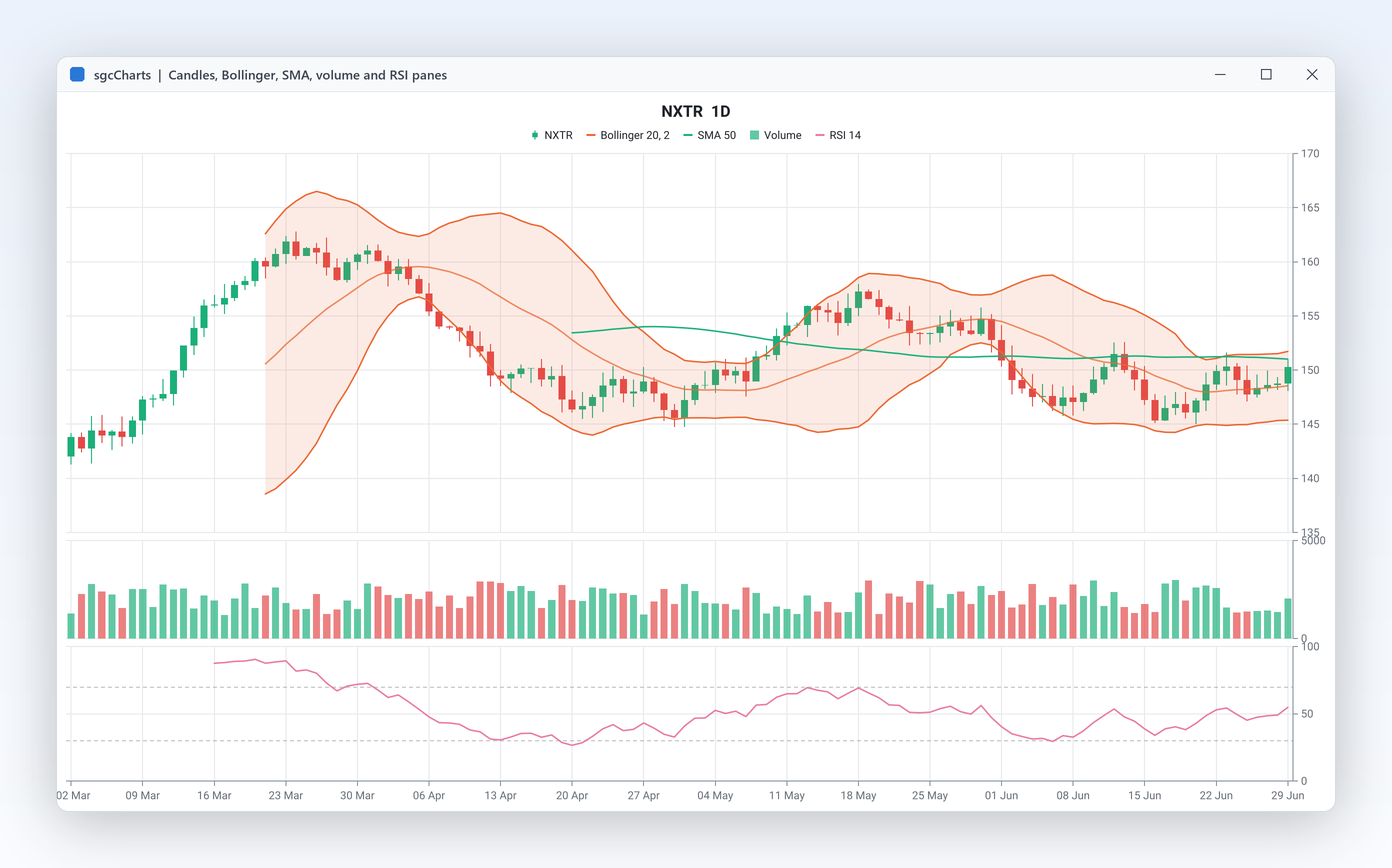
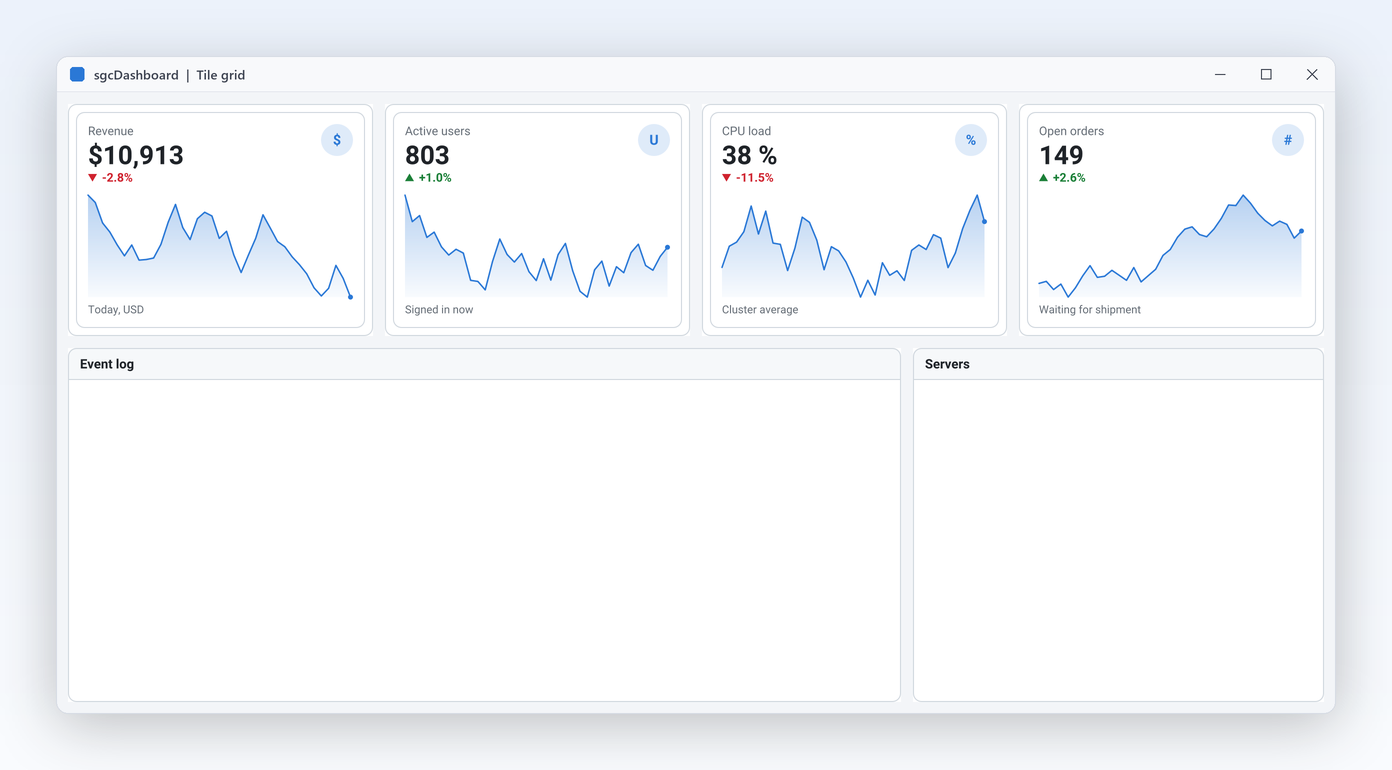
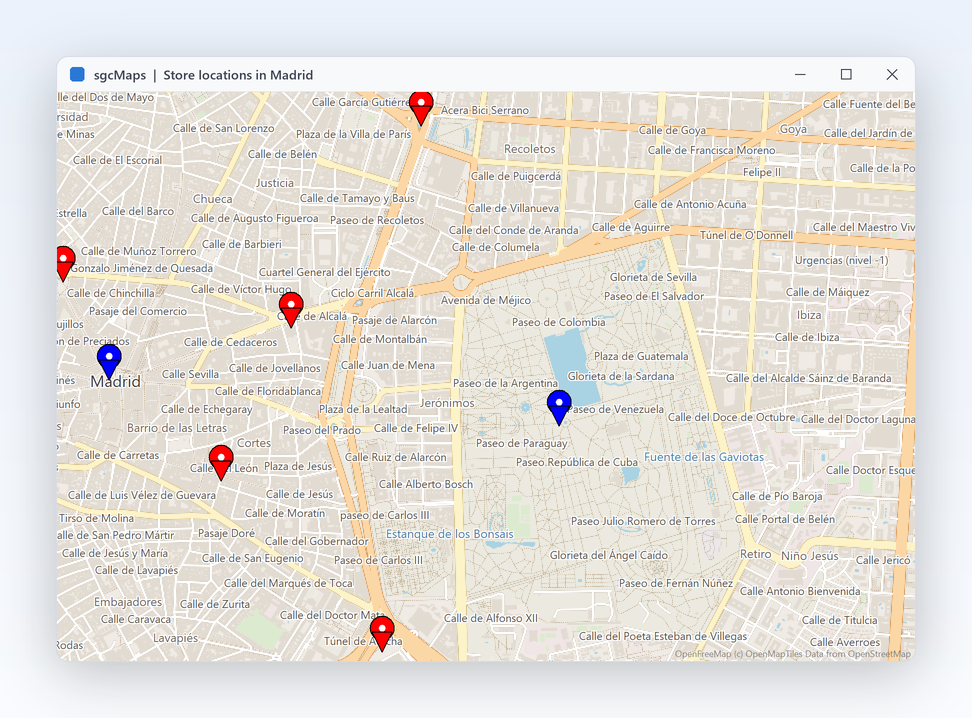
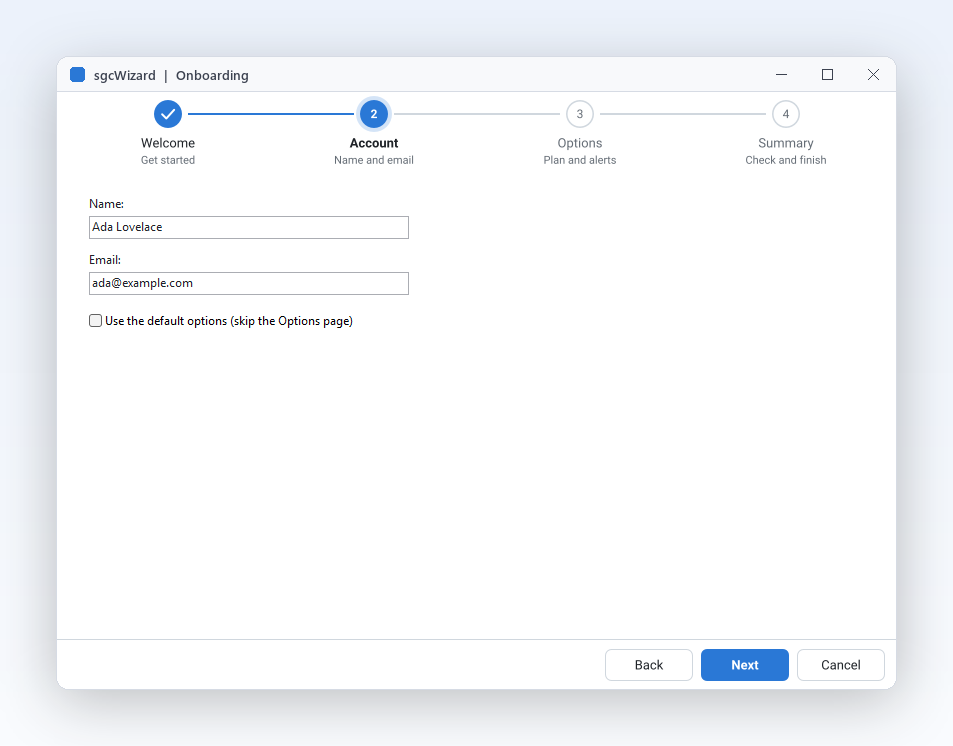
Everything a business application shows on screen, from one vendor and one design: grids, pivot tables, charts, dashboards, gauges, planners, diagrams, maps, PDF and reports, plus the editors, navigation, toolbars and wizards around them.
- VCL
- FireMonkey
- WinForms
- WPF
- Avalonia
- Linux64 headless
Today we release sgcUI 2026.10, the first version of our new user interface suite. It brings 14 products that cover everything a business application puts on screen. Every control is drawn natively, shares one theme and renders headless to PNG and SVG on a server. The suite runs on VCL and FireMonkey for Delphi 7 to Delphi 13 and C++ Builder 2007 to 13, and on WinForms, WPF and Avalonia for .NET.
You can buy the edition that fits, or only the product you need. Here is a tour of what is inside.
sgcUI in 60 Seconds
All 14 sgcUI products in one minute. Also on YouTube.
Fourteen Products, Three Editions
Standard covers data entry and the application shell, Professional adds visualization, and Enterprise includes every product. Each edition includes the one before it.
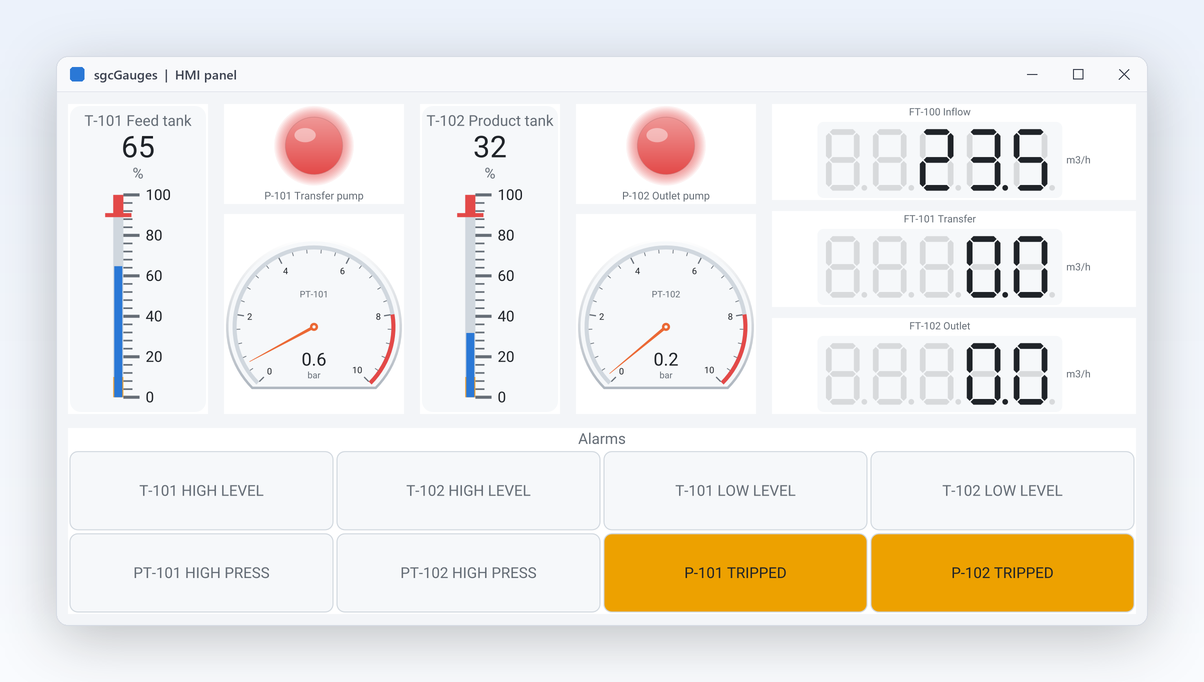
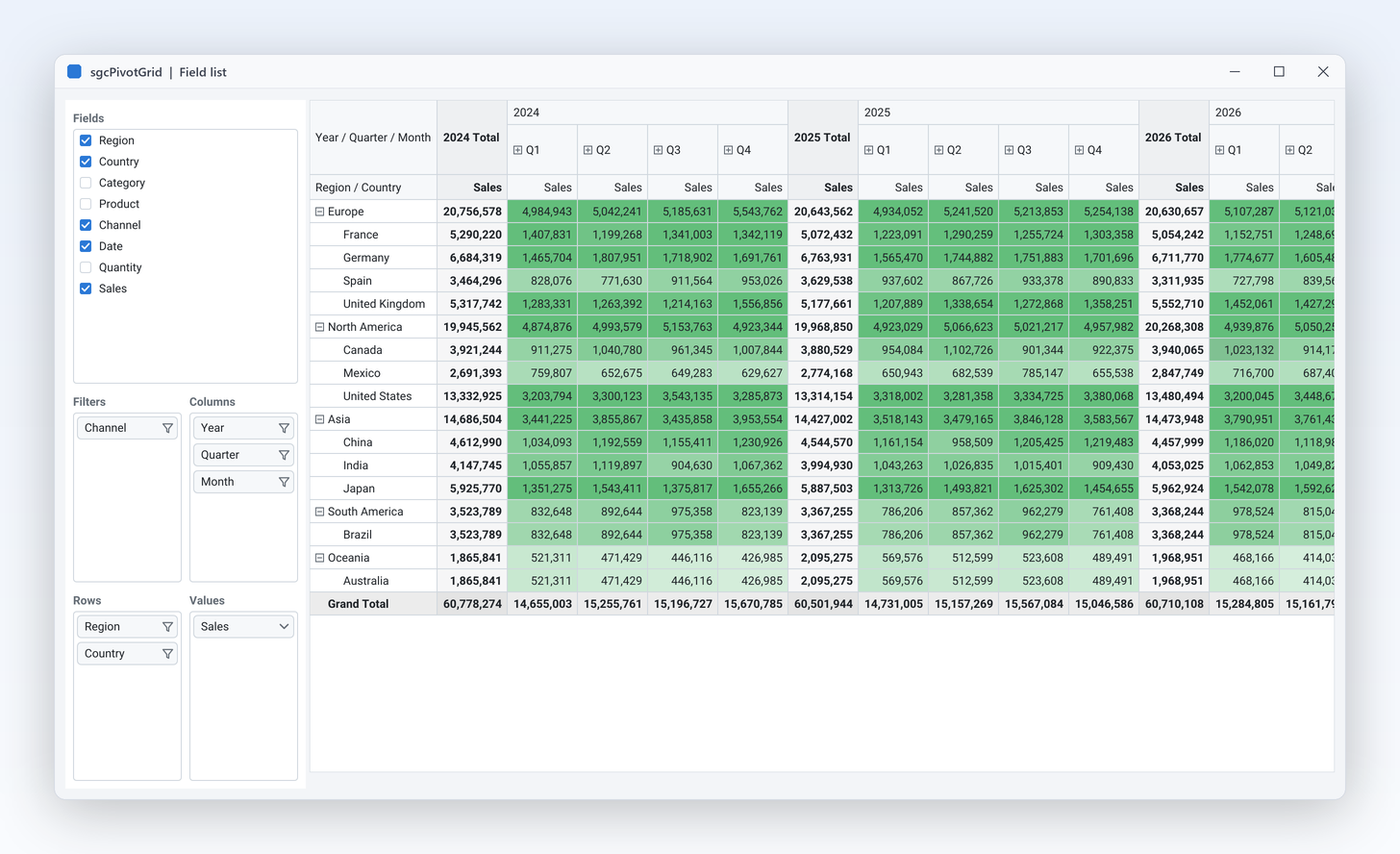
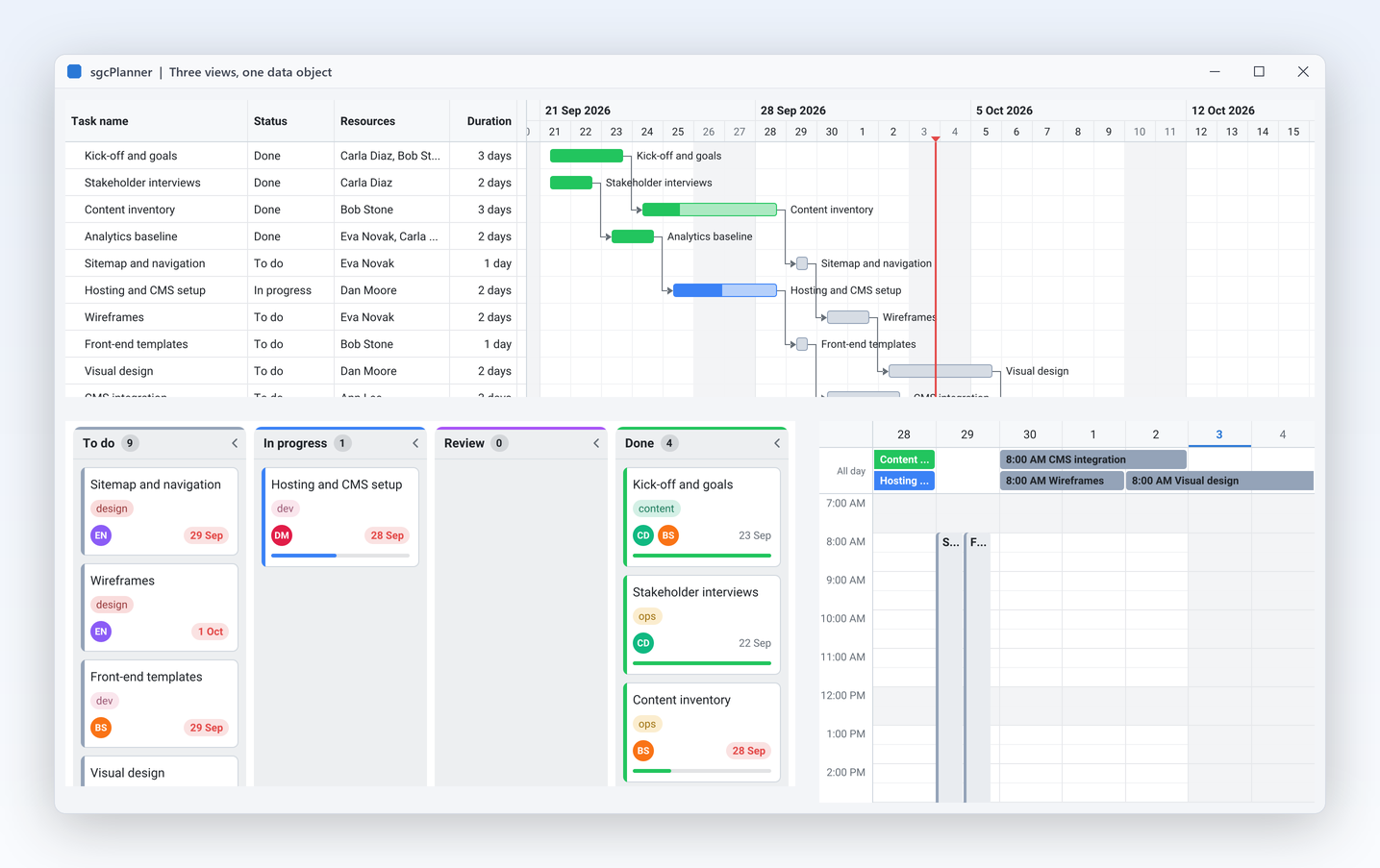
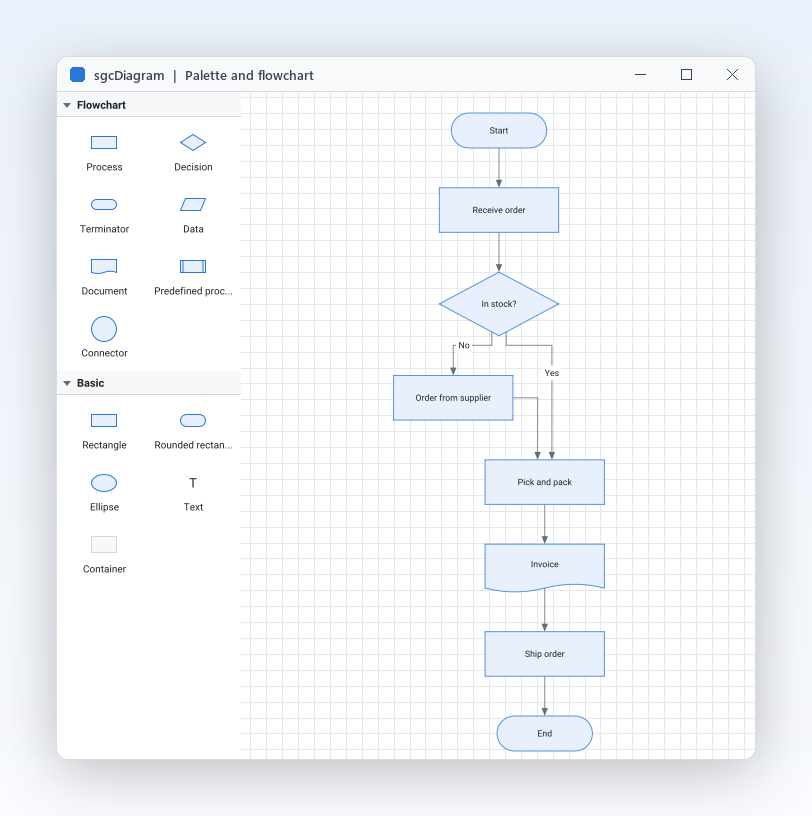
One Call Themes the Whole Application
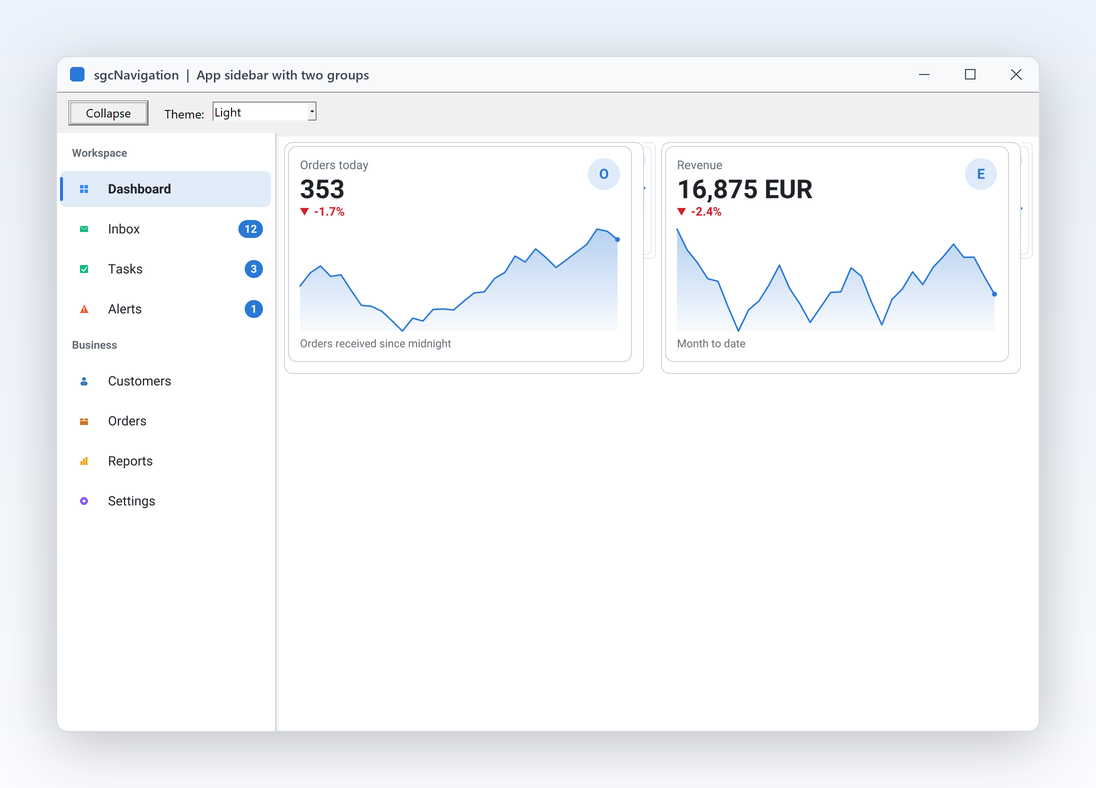
Every sgcUI product is built on the same runtime, sgcUICore. It owns the canvas, the rasterizer, the colours and the themes, so a grid, a gauge and a Gantt chart placed side by side share fonts, spacing, accent colour and focus style. Switch the whole application to light or dark at run time with one call, or follow the system setting.
uses
  sgcUICore_Theme;

// dark theme for every sgcUI control of the application
sgcUISetApplicationTheme(utDark);

// or follow the light / dark setting of the system
sgcUISetApplicationTheme(sgcUISystemTheme);
Each control's Theme defaults to utDefault, which follows the application, and still takes utLight, utDark or utCustom when one control must look different.
Ask the Data, Paste into Forms
Users ask sgcGrid, sgcPivotGrid and sgcDashboard a question in plain language, and Smart Paste turns a pasted e-mail or address block into values for the controls of a form. The AI features are not tied to one AI service: they talk to a provider component, so any LLM works. With no provider at all, the grid answers with a local rule based parser, no network and no API key.
uses
  sgcGrid_AI;

// filters, sorts and highlights the rows that answer the question
sgcGridAI1.Grid := sgcVCLGrid1;
sgcGridAI1.Ask('customers in Spain with a balance over 10000');
To use your own model, drop a TsgcUIAIEventProvider and answer its OnRequest event, or use the ready TsgcUIAIChatProvider of the sgcUICoreWS bridge, which talks through the TsgcAIChat component of sgcWebSockets. A question sends only the field catalog, never the row data.
Print, Preview and Accessible PDF
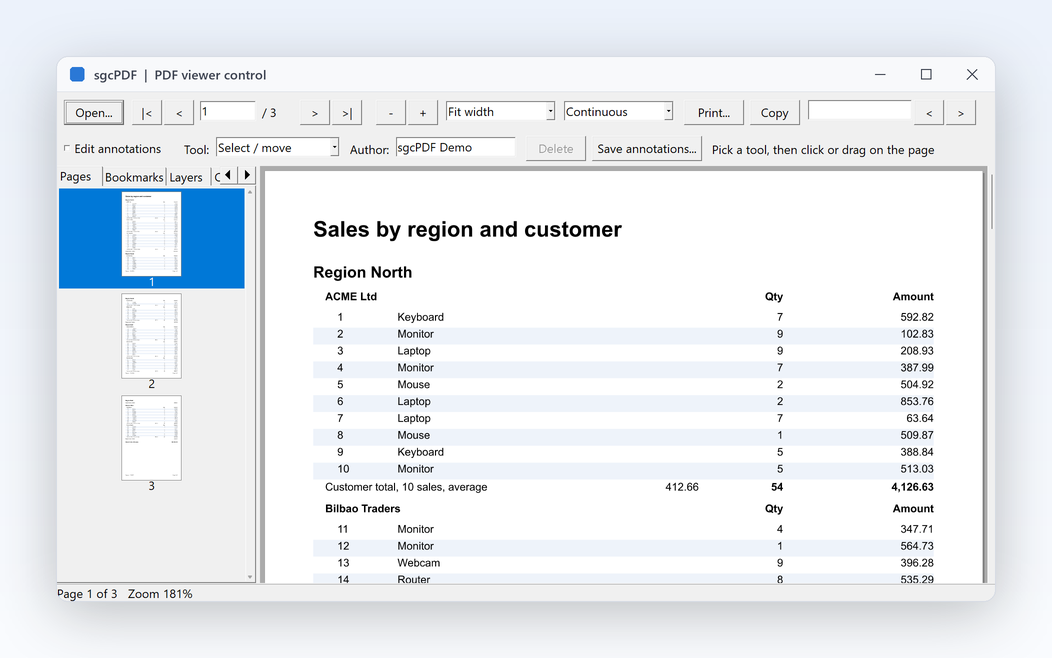
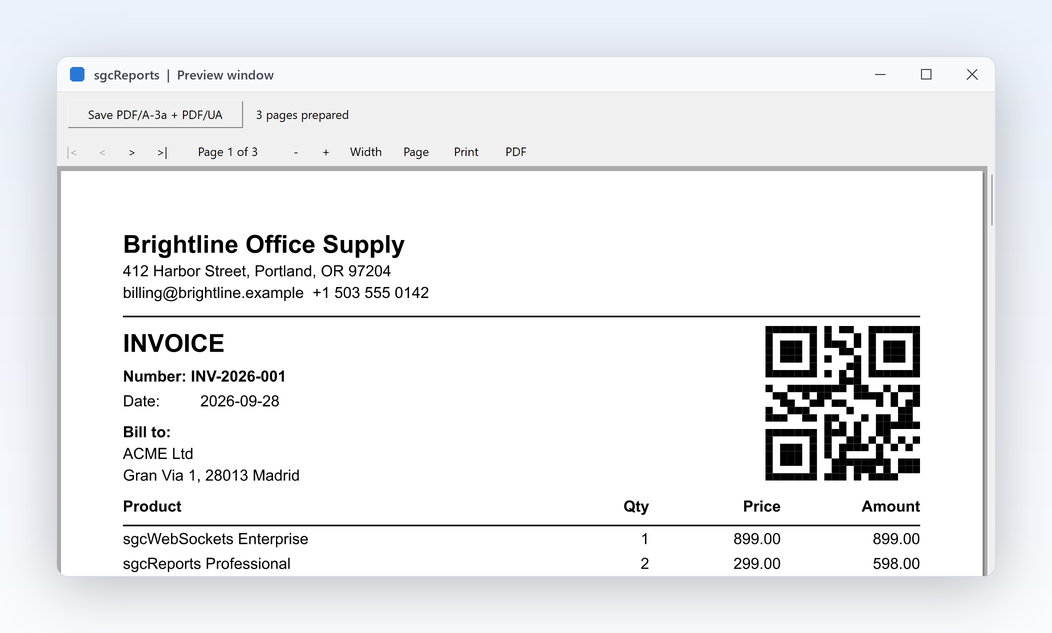
sgcGrid, sgcCharts, sgcPivotGrid, sgcPlanner, sgcDiagram, sgcGauges, sgcDashboard and sgcMaps print, show a print preview and export to PDF with the same members on every framework. One set of page settings drives the printer, the preview and the PDF, so the preview shows exactly what you get.
uses
  sgcUIPDF_Export; // PDF export through sgcPDF

sgcVCLGrid1.PrintSettings.Title := 'Open invoices';
sgcVCLGrid1.ShowPrintPreview;
sgcVCLGrid1.ExportToPDF('invoices.pdf');
The PDF is a tagged PDF/UA document: grids become real tables with header cells, and charts, gauges and diagrams get an alternative text built from their content. PDF/A-2a and PDF/A-3a are available for archiving.
Accessible by Default, Right to Left Ready
Every sgcUI product exposes its content to Microsoft UI Automation, the API that screen readers such as Narrator and NVDA use, works with the keyboard and follows the Windows high contrast themes. It is on by default, in every edition, and eSeGeCe publishes a VPAT conformance report for each platform.
Arabic and Hebrew user interfaces work on VCL, FireMonkey, WinForms, WPF and Avalonia, driven by the direction property each framework already has. Arabic letters are joined, mixed text is ordered with the Unicode bidirectional algorithm, and grid columns, sidebars, toolbars and steppers move to the opposite side while numbers stay readable.
Live Data from sgcWebSockets
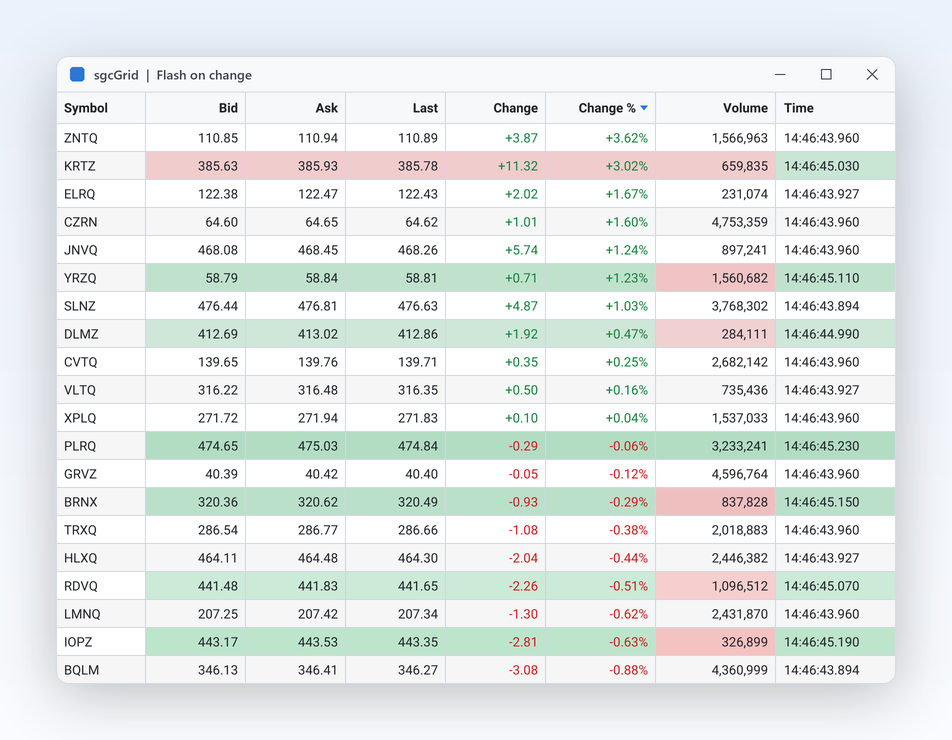
Grids and charts take updates from any thread and coalesce them into timed repaints, so a feed of thousands of updates a second still renders at a steady frame rate. Bridge packages connect the suite to sgcWebSockets: grid, chart, dashboard and gauge sources fed by WebSocket, MQTT and SSE, two way calendar sync for the planner with Google Calendar, Outlook and CalDAV, and reports served as HTML.
See It Working: the ERP Demo
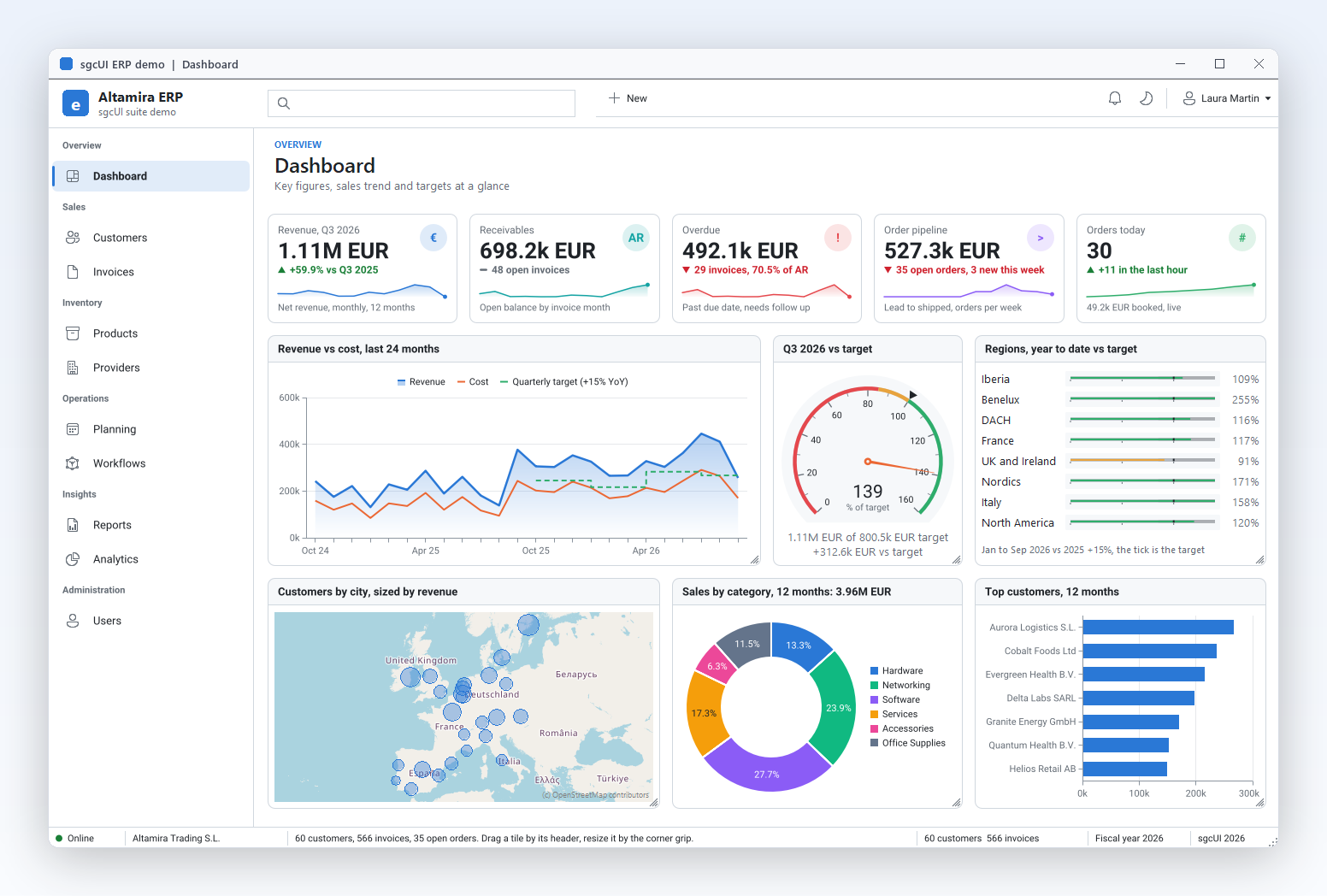
Altamira ERP is the demo we use to prove the suite works as one. It is a real application, not a gallery: a sidebar with ten modules, a light and a dark theme, and more than 500 invoices over 24 months. Each module is a separate unit, so you can lift a screen into your own project.
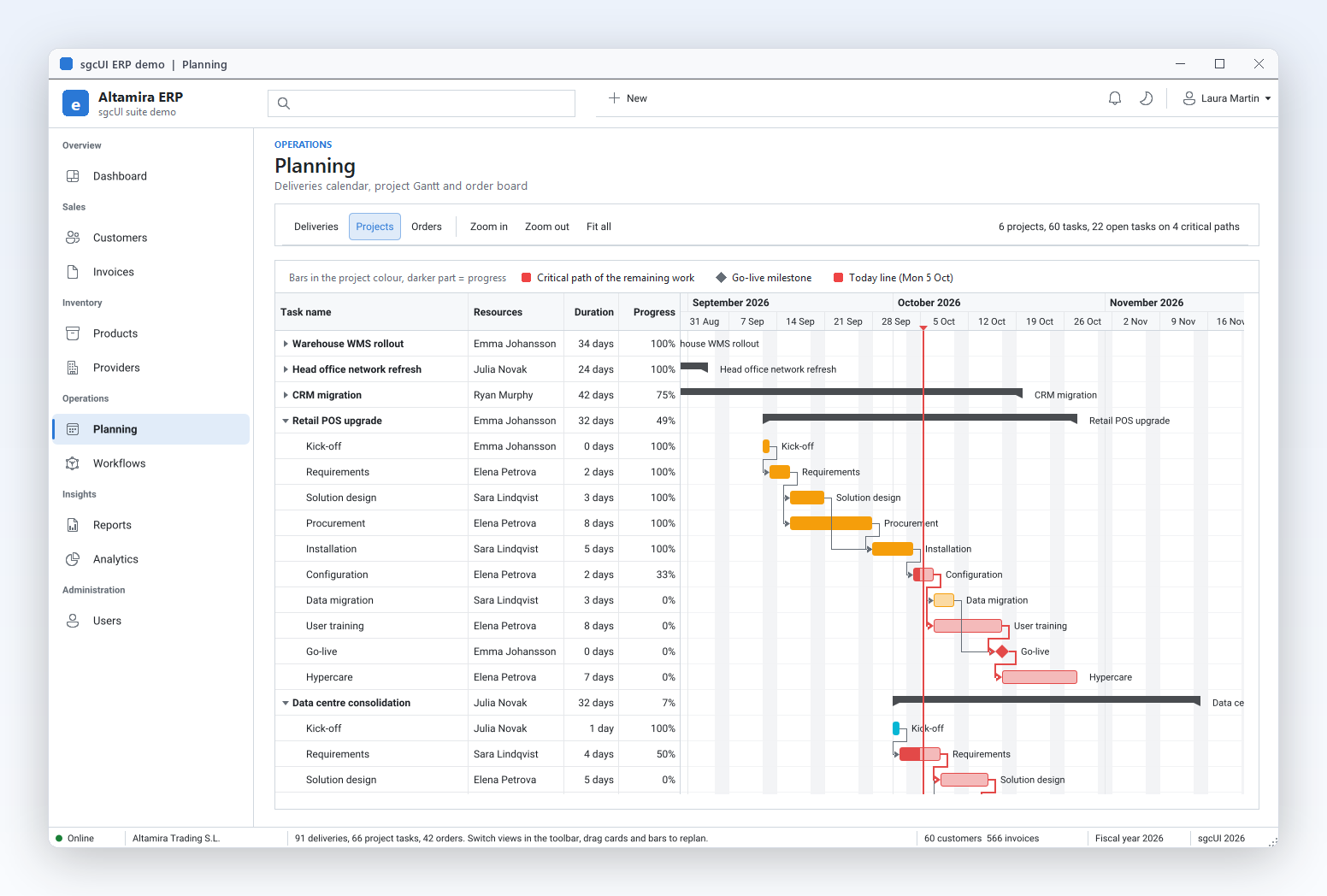
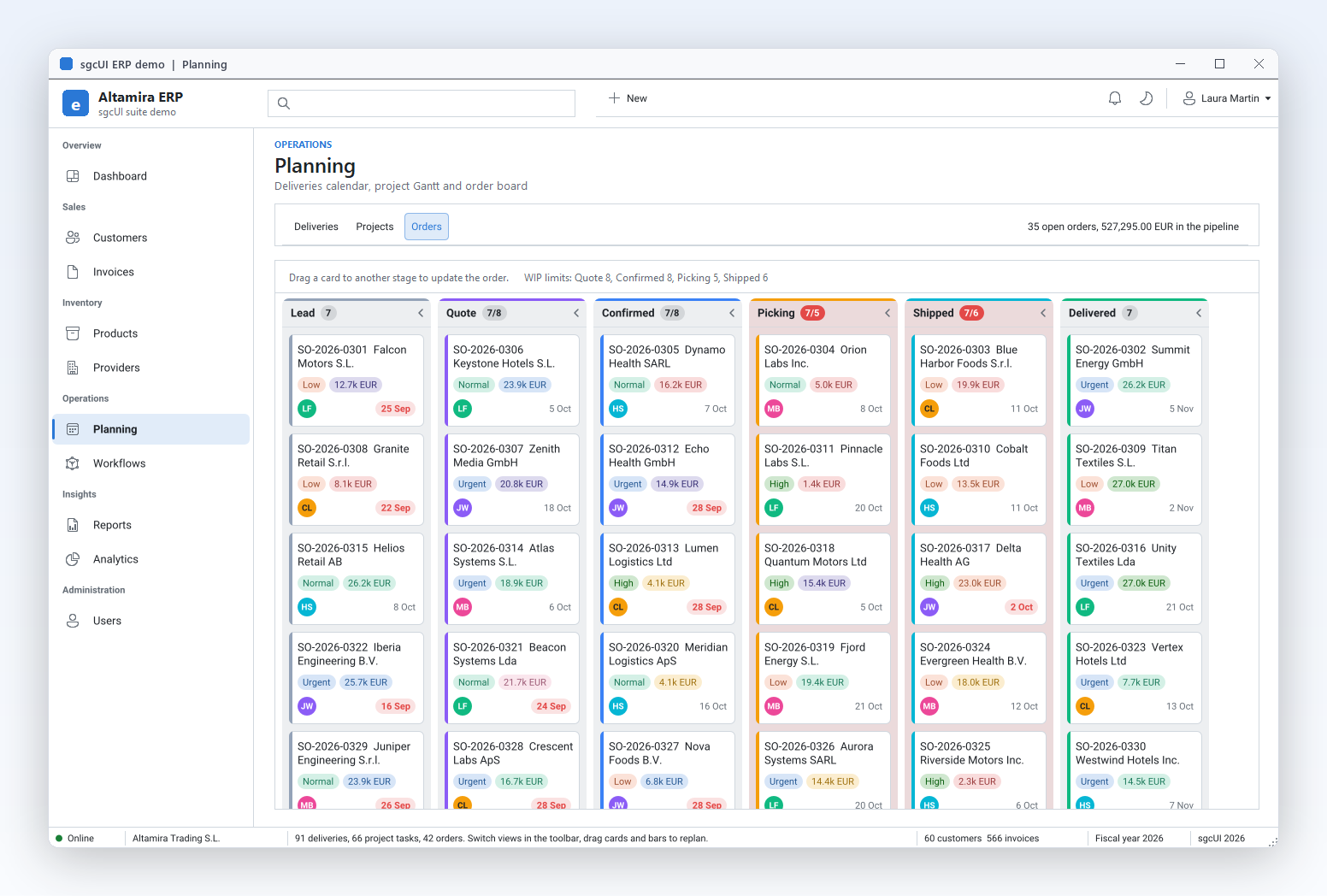
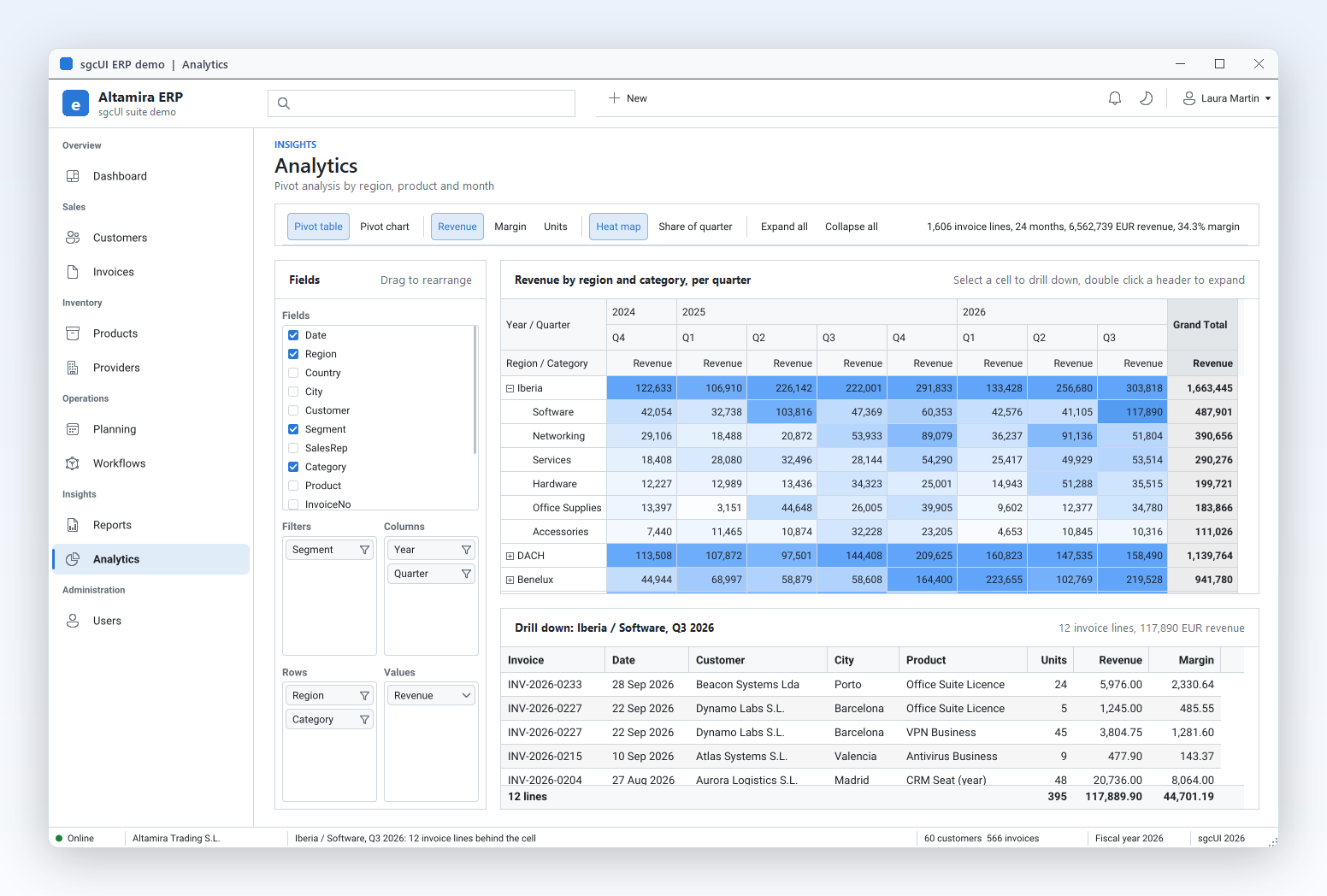
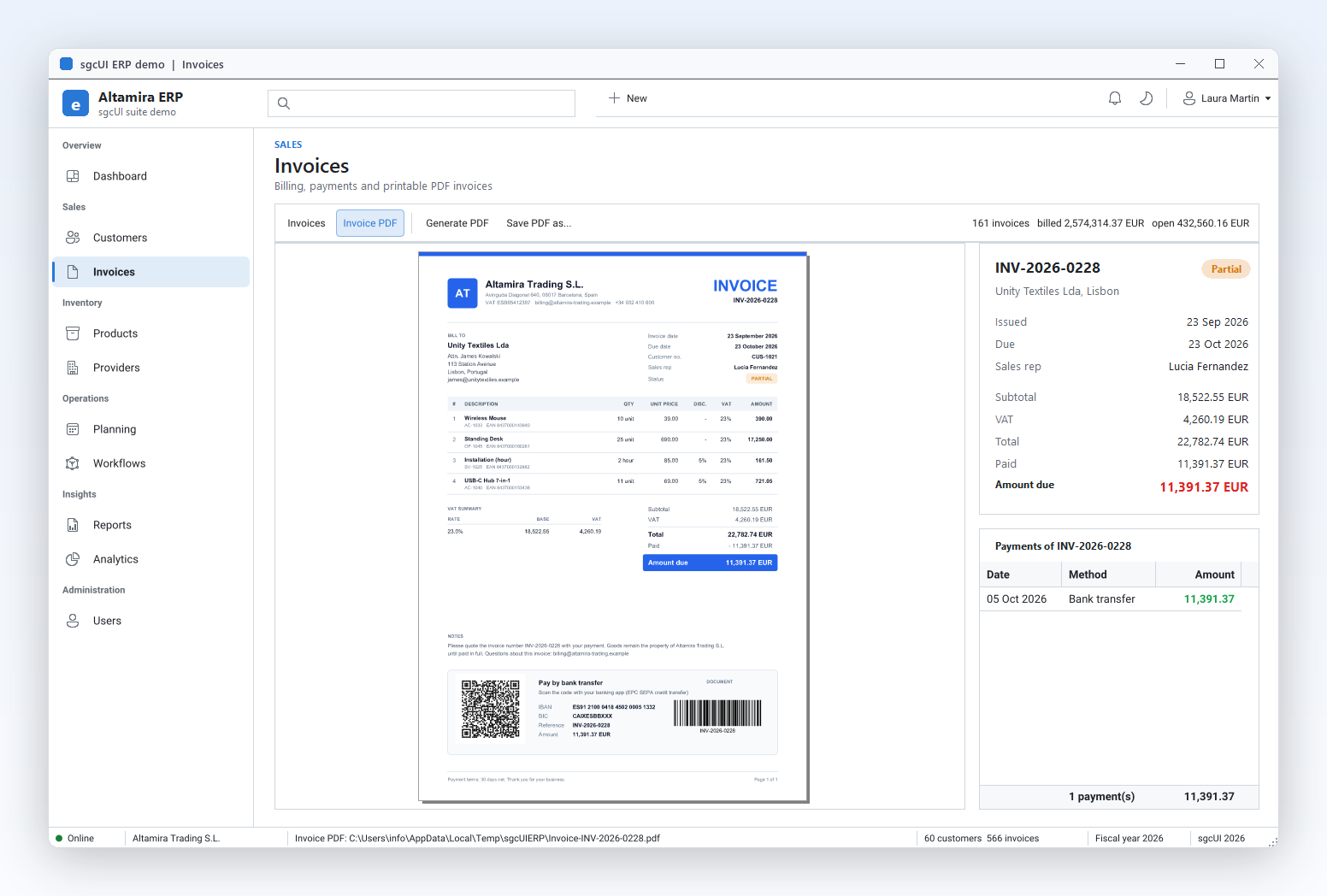
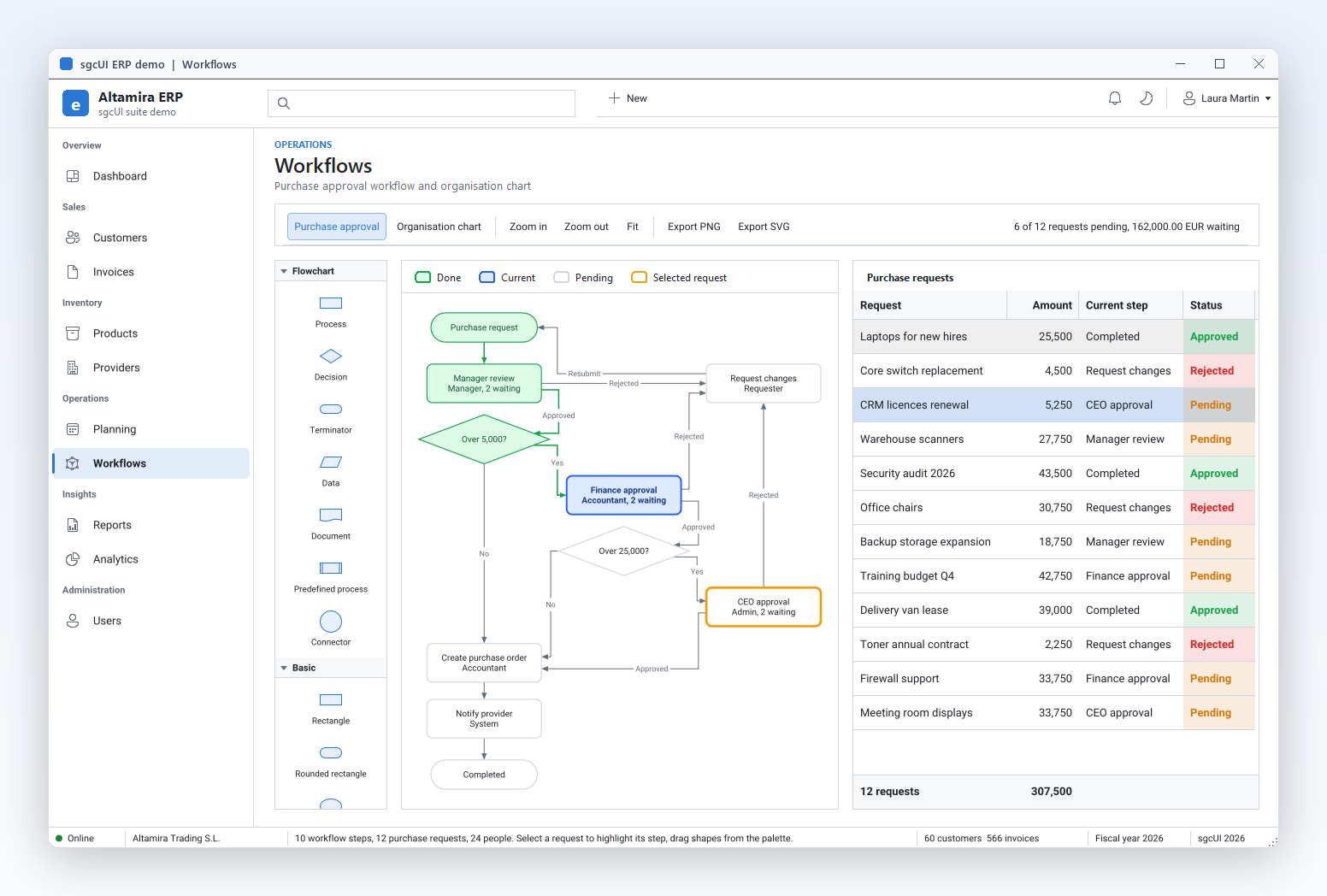
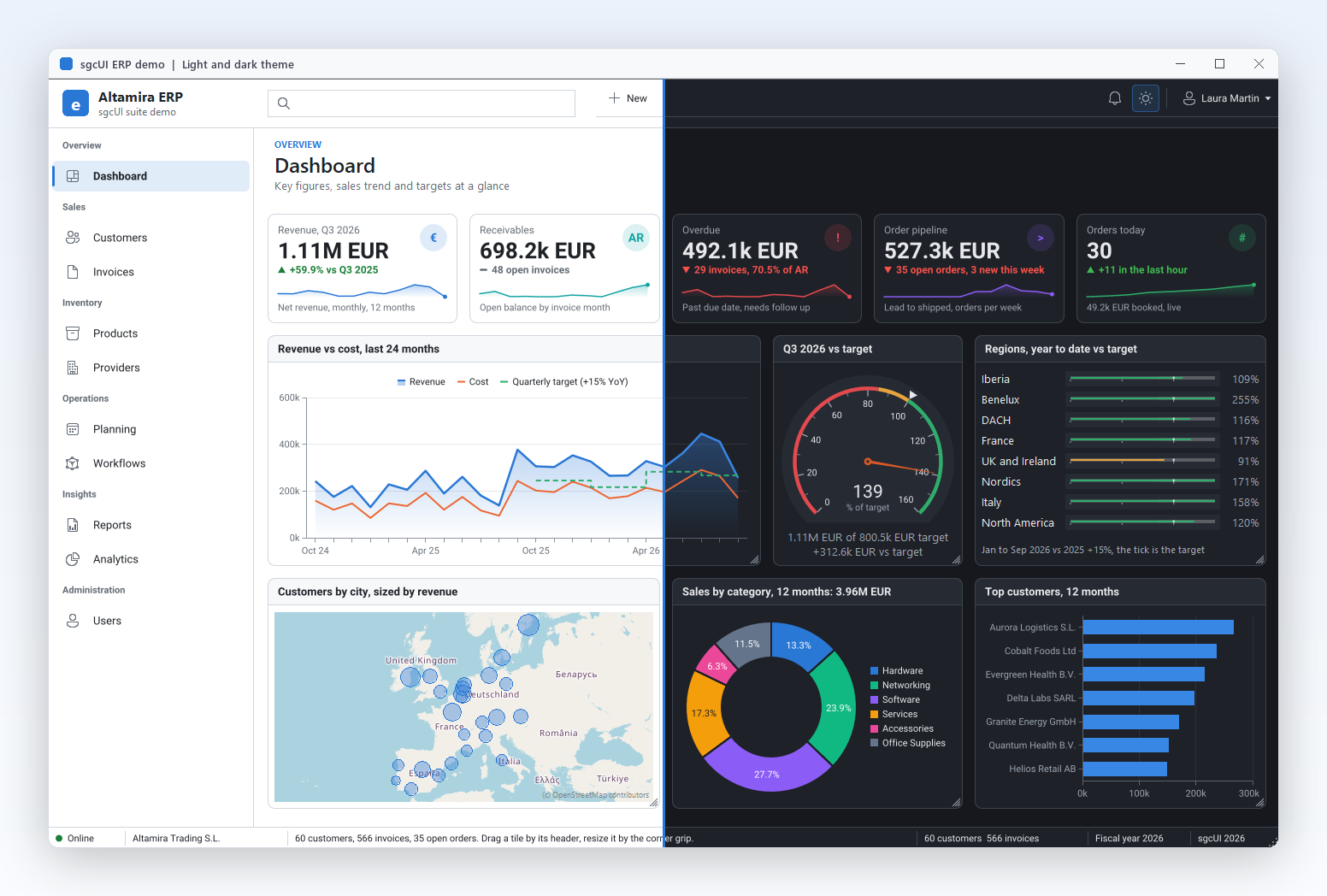
The demo ships for Delphi (VCL, Win32 and Win64), C++ Builder (VCL) and .NET WinForms. You can also run the compiled demos of all 14 products.
Where sgcUI Runs
Build Your Next Application with sgcUI
Features, editions, live demos and the full documentation are waiting on the website.
Questions or feedback? Get in touch, you will get a reply from the people who wrote the code.