sgcUI sgcDashboard is available right now

sgcDashboard. KPIs in tiles. No layout code.

Drop tiles on a 12 column grid, put a KPI card, a chart, a map or a report preview in each one, switch the whole screen to a dark theme with one property, and let users drag, resize and save their own layout. For Delphi, C++ Builder and .NET, with source code included.

  • VCL
  • FireMonkey
  • WinForms
  • WPF
  • Avalonia
  • Delphi 7 to 13
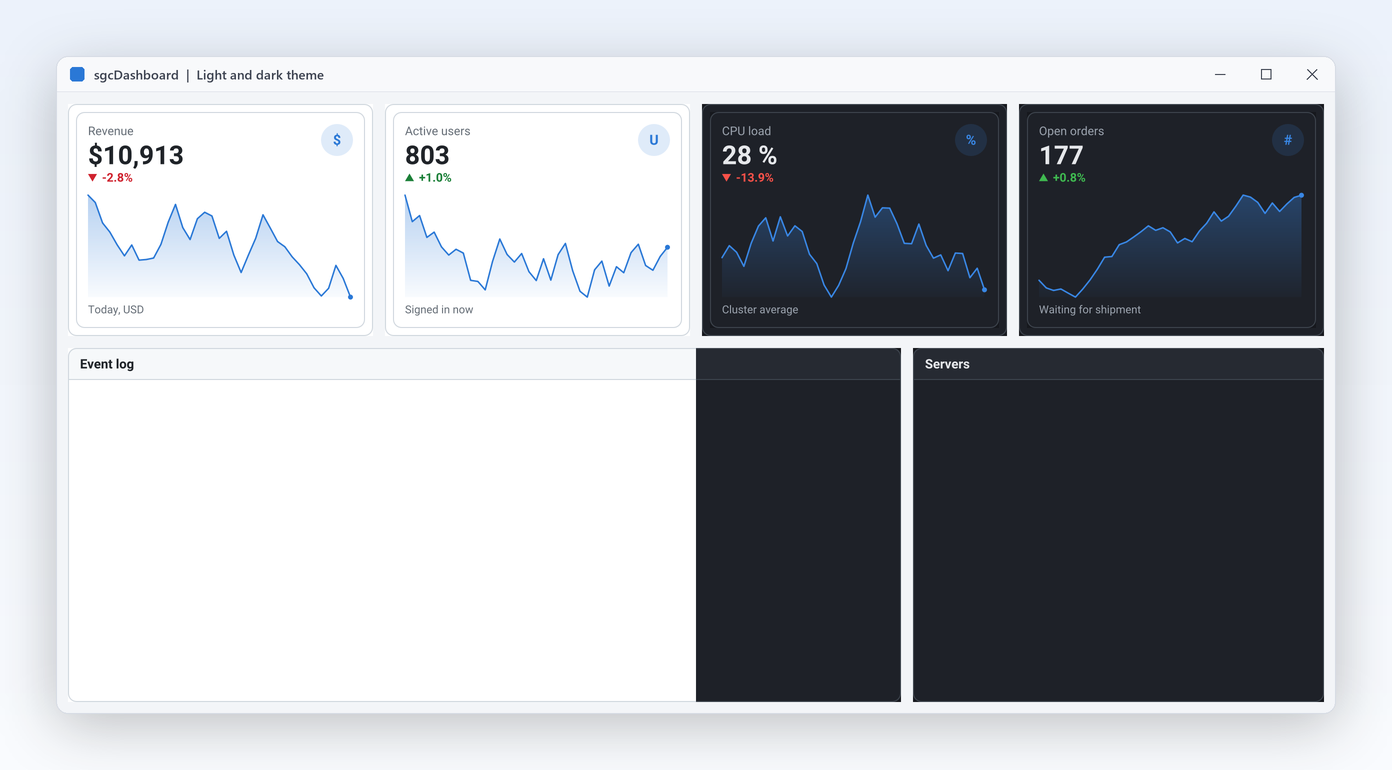
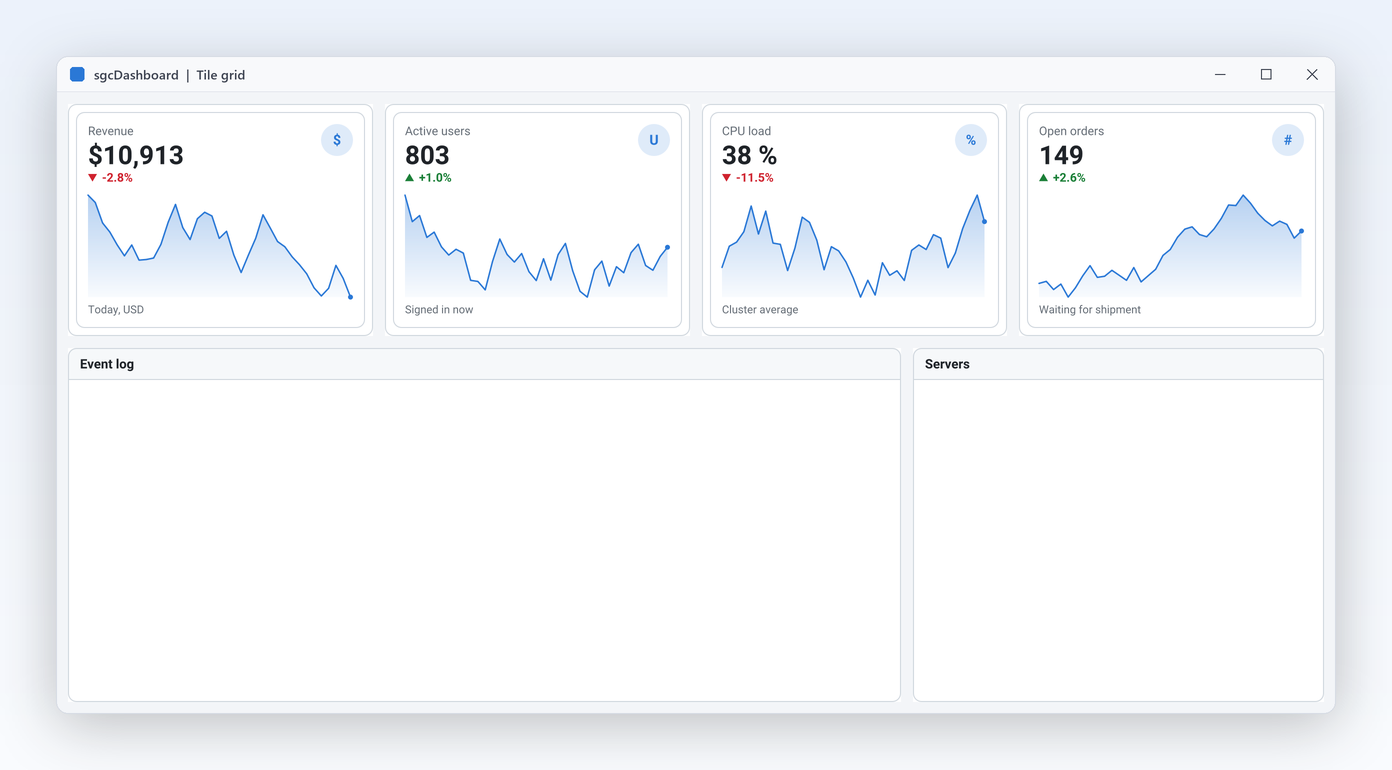
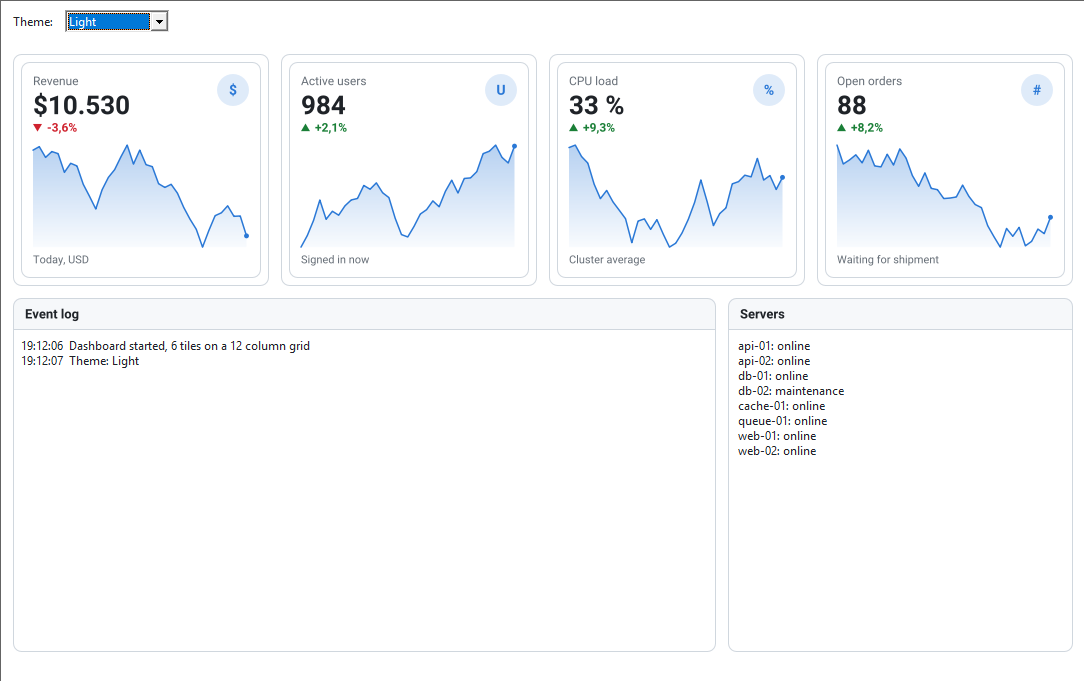
sgcDashboard Basic demo: four KPI cards with sparklines, an event log and a server list on the 12 column tile grid
  • 12columns on the tile grid, with spans and auto-flow
  • 3live KPI sources: WebSocket, MQTT and SSE
  • 10demos: four for Delphi and C++ Builder, six for .NET
  • 5UI frameworks: VCL, FireMonkey, WinForms, WPF, Avalonia

Everything a dashboard needs.

A grid that places tiles for you, cards that show the numbers, values straight from the wire and one look across the screen. sgcDashboard covers all of it, on every framework.

  • Tile grid

    Twelve columns, spans and auto-flow place every tile without a line of layout code.

  • KPI cards

    Value, trend arrow, trend text and a sparkline in one component, also as PNG or SVG.

  • Live values

    Feed cards from code, or from WebSocket, MQTT and SSE with the sgcDashboardWS bridge.

  • One theme

    Light or dark for tiles, cards and the sgcUI controls inside them, with one property.

See it run.

Recorded from the sgcDashboard demos that ship with the trial.

Four KPI cards with sparklines above an event log tile and a server list tile, in the light theme
Layout

A responsive tile grid with no layout code.

  • TsgcVCLDashboard computes column widths from the available width and scales gaps and row heights by the monitor DPI.
  • Give a tile Col, Row, ColSpan and RowSpan, or leave Col and Row at -1 and auto-flow puts it in the first free slot.
  • Right to left for Arabic and Hebrew: tiles flow from the right, while trend arrows and sparklines keep their direction.
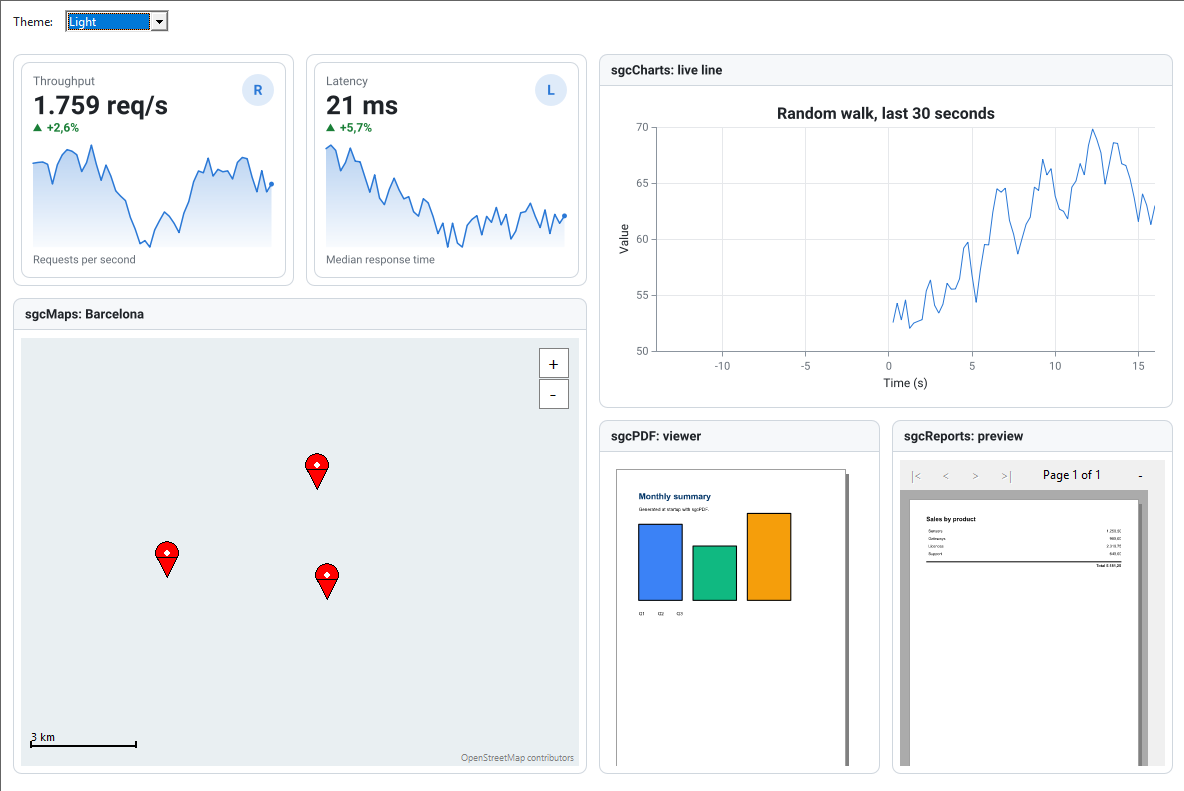
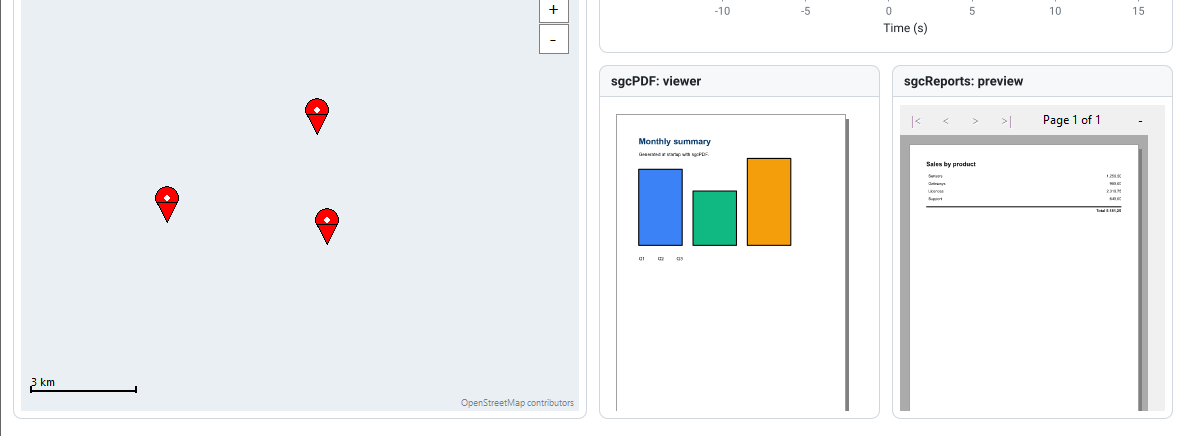
Suite demo in the light theme: KPI cards, an sgcCharts live line, an sgcMaps map, an sgcPDF viewer and an sgcReports preview in tiles
Any control in a tile

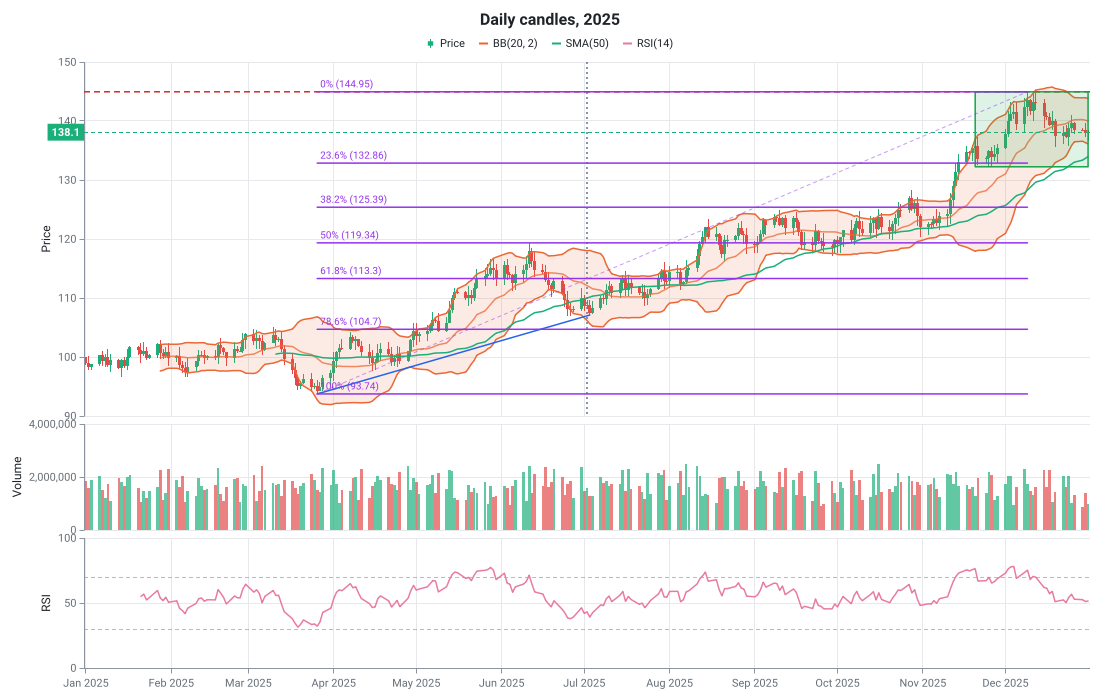
Put a chart, a map or a report preview in any tile.

  • A tile is a container with an optional header: set the control's parent to the tile and align it to the client area.
  • The Suite demo hosts sgcCharts, sgcMaps, sgcPDF and sgcReports in one dashboard, all following the dashboard theme.
  • TsgcVCLKPICard shows a value, an icon, a trend arrow, a footer line and a sparkline that scrolls with every AddValue.
Live data

Live KPIs straight from the wire.

  • TsgcDashboardSource_WebSocket, TsgcDashboardSource_MQTT and TsgcDashboardSource_SSE read a number out of every JSON message by ValuePath.
  • The card, its sparkline and its trend arrow update by themselves, and AddValue is thread-safe when you feed cards from code.
  • Messages that are not valid JSON, or whose path is not a number, are ignored, so a noisy feed never breaks the screen.
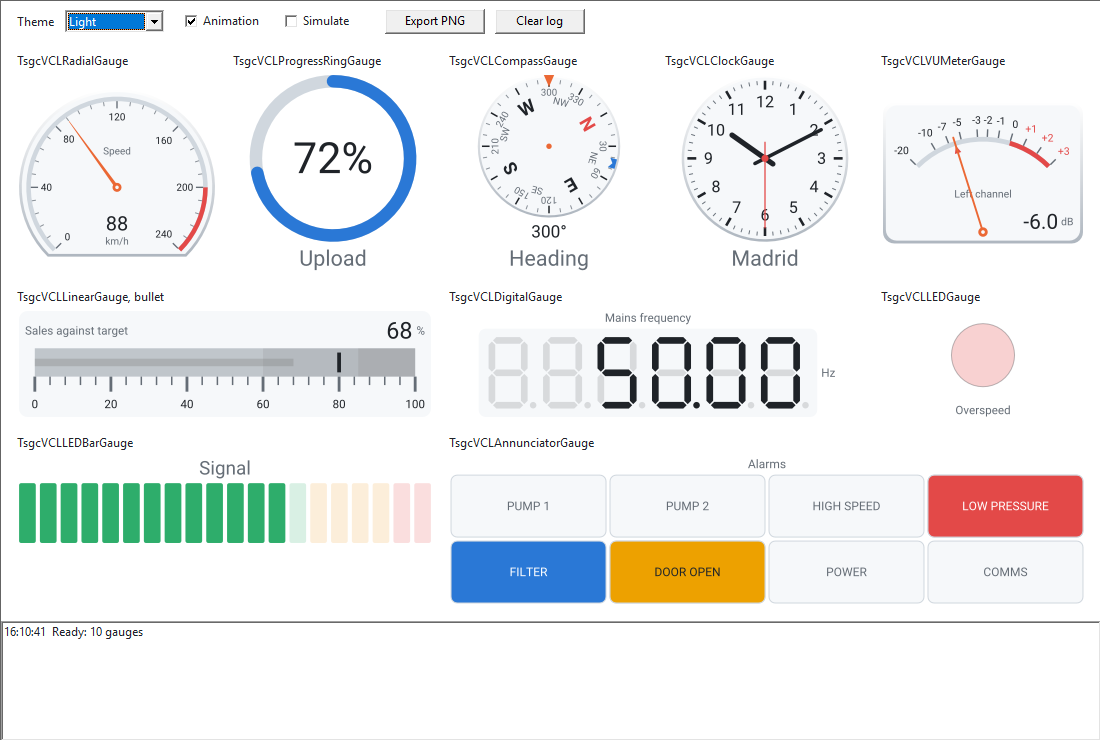
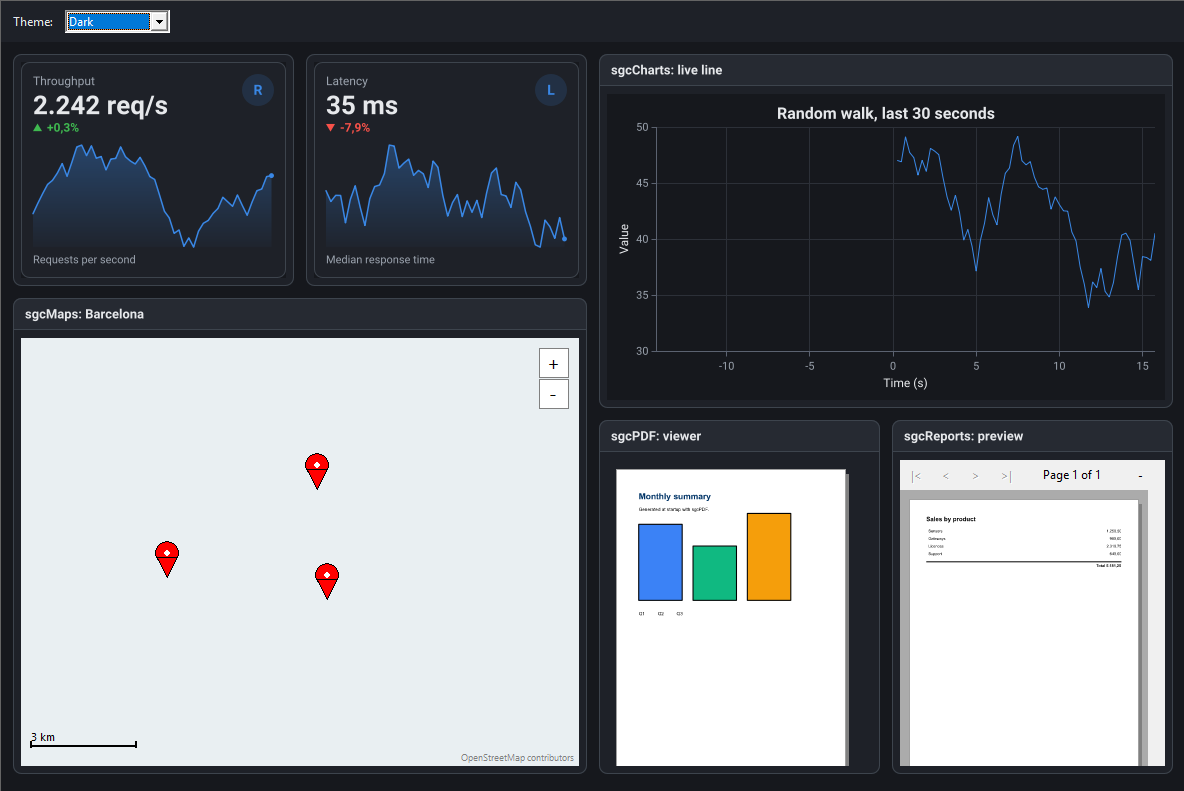
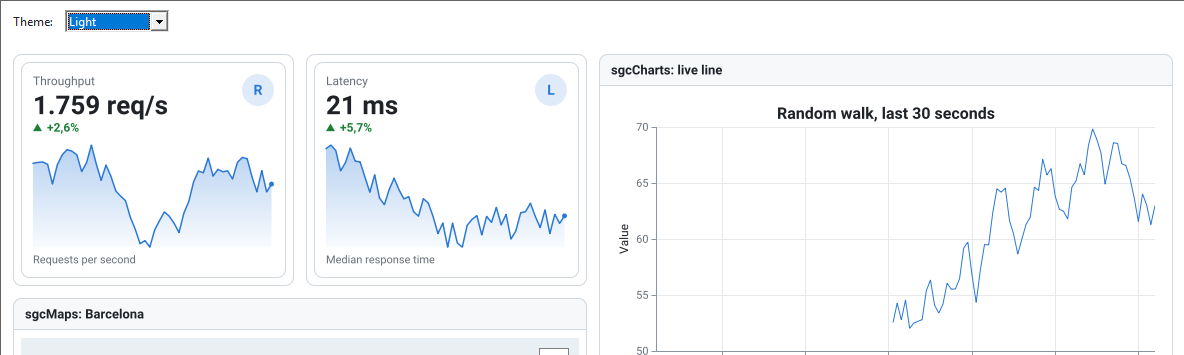
Light and dark theme demo: tiles and KPI cards following the dashboard Theme property
Themes and saved layouts

One property themes it. Users arrange it and keep it.

  • Theme := utDark or utLight reaches every tile, every KPI card and the sgcUI controls inside them.
  • AllowDrag and AllowResize let users move a tile by its header and resize it by a grip, snapped to the grid.
  • SaveLayout and LoadLayout store the layout as compact JSON and restore it by tile name.

A KPI dashboard in a few lines.

Tiles on the grid, a KPI card with a sparkline in each, a dark theme and a saved layout. The same API in Delphi, C++ Builder and C#. Dragging and layout files need the Registered edition.

dotnet add package esegece.sgcDashboard.WinForms

C++ Builder and C# versions

uses
  SysUtils, Controls, sgcUICore_Theme, sgcDashboard_KPI,
  sgcDashboard_VCL, sgcDashboard_KPI_VCL;

procedure AddKPI(aDash: TsgcVCLDashboard; const aName, aTitle, aValue,
  aChange: string; aCol: Integer; aTrend: TsgcDashboardKPITrend);
var
  oTile: TsgcVCLDashboardTile;
  oCard: TsgcVCLKPICard;
begin
  oTile := TsgcVCLDashboardTile.Create(aDash.Owner);
  oTile.Name := aName;
  oTile.Parent := aDash;
  oTile.Col := aCol;
  oTile.ColSpan := 4;
  oTile.Title := aTitle;
  oCard := TsgcVCLKPICard.Create(aDash.Owner);
  oCard.Parent := oTile;
  oCard.Align := alClient;
  oCard.Value := aValue;
  oCard.Trend := aTrend;
  oCard.TrendValue := aChange;
  oCard.AddValue(47);
  oCard.AddValue(52);
end;

procedure BuildDashboard(aOwner: TWinControl);
var
  oDash: TsgcVCLDashboard;
begin
  oDash := TsgcVCLDashboard.Create(aOwner);
  oDash.Parent := aOwner;
  oDash.Align := alClient;
  // drag, resize and layout files need the Registered edition
  oDash.AllowDrag := True;
  AddKPI(oDash, 'tileRevenue', 'Revenue', '12,480 USD', '+4.2 %', 0, ktUp);
  AddKPI(oDash, 'tileOrders', 'Orders', '1,284', '+8.1 %', 4, ktUp);
  oDash.Theme := utDark;
  if FileExists('layout.json') then
    oDash.LoadLayoutFromFile('layout.json');
  oDash.SaveLayoutToFile('layout.json');
end;

Part of sgcUI.

Buy sgcDashboard on its own, or get it in sgcUI Professional and Enterprise, next to the charts, gauges and grids that fill its tiles. Each comes with source code.

On its own

sgcDashboard

The dashboard on its own, full source code and 1 year of updates.

€199 / developer
sgcDashboard pricing

Standard

sgcGrid, sgcNavigation, sgcToolbar and sgcEditors.

€380 / developer
See Standard
Includes sgcDashboard

Professional

Standard plus sgcCharts, sgcDashboard and sgcGauges.

€529 / developer
See Professional
Includes sgcDashboard

Enterprise

All 14 sgcUI products.

€699 / developer
See Enterprise

For .NET, esegece.sgcDashboard.Community on NuGet is free, without runtime drag and resize, saved layouts and the live sources. sgcDashboard is also in the All-Access bundle.

Explore sgcUI

Put sgcDashboard in your own application today.

Download the trial and run the Basic, LiveKPI, SaveLayout and Suite demos with every feature unlocked, or browse every feature first.

Latest from the blog

View all posts →

You are seeing the sgcDashboard view of eSeGeCe.

Show me another angle →
30-Day Money-Back GuaranteeNot satisfied? Request a full refund within 30 days of purchase. See refund policy