sgcUI sgcGauges is available right now

sgcGauges. Every reading. At a glance.

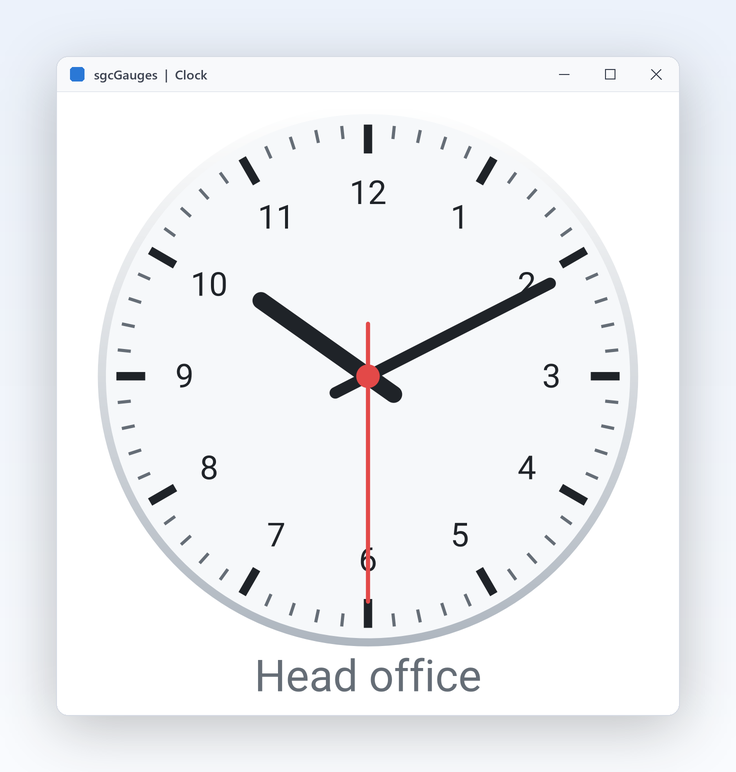
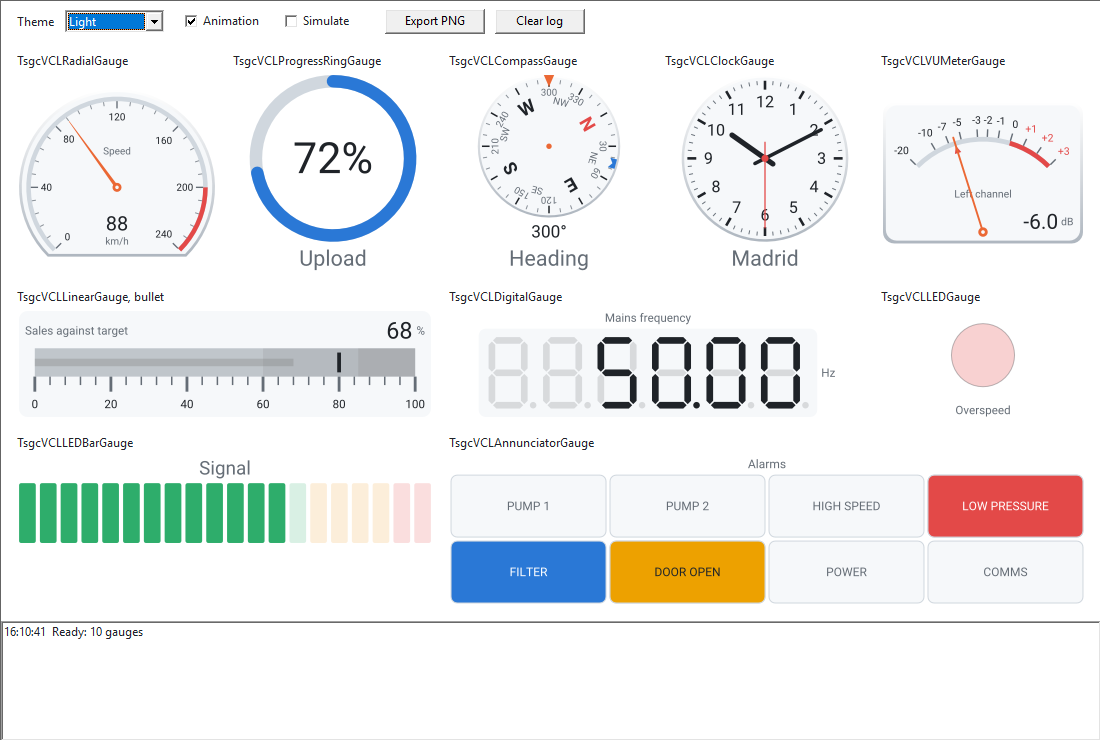
Ten gauge types for dashboards and HMI panels, from a radial dial to an annunciator. Draw green, amber and red bands, raise an alarm when a value crosses a limit, let the needle glide to each new reading, and render the same gauge to PNG or SVG on a server.

  • VCL
  • FireMonkey
  • WinForms
  • WPF
  • Avalonia
  • Delphi 7 to 13
  • 10gauge types on one model, from a radial dial to an annunciator
  • 6of them in the free .NET Community build
  • 5easing curves for the needle, 300 ms by default
  • 5UI frameworks: VCL, FireMonkey, WinForms, WPF, Avalonia

Everything an instrument panel needs.

Dials for speed, bars for level, digits for frequency, lamps for pumps and tiles for alarms. sgcGauges draws them all with the same scales, pointers, ranges, thresholds and themes.

  • Ten instruments

    Radial, linear, digital, LED, LED bar, ring, VU meter, clock, compass, annunciator.

  • Alarms built in

    Thresholds with hysteresis fire one event per crossing, in the main thread.

  • Live data

    Set Value from any thread, or bind MQTT, WebSocket and SSE with the bridge.

  • Screen or file

    VCL, FireMonkey and .NET controls, plus PNG and SVG on a server.

See it run.

Recorded from the sgcGauges demos that ship with the trial.

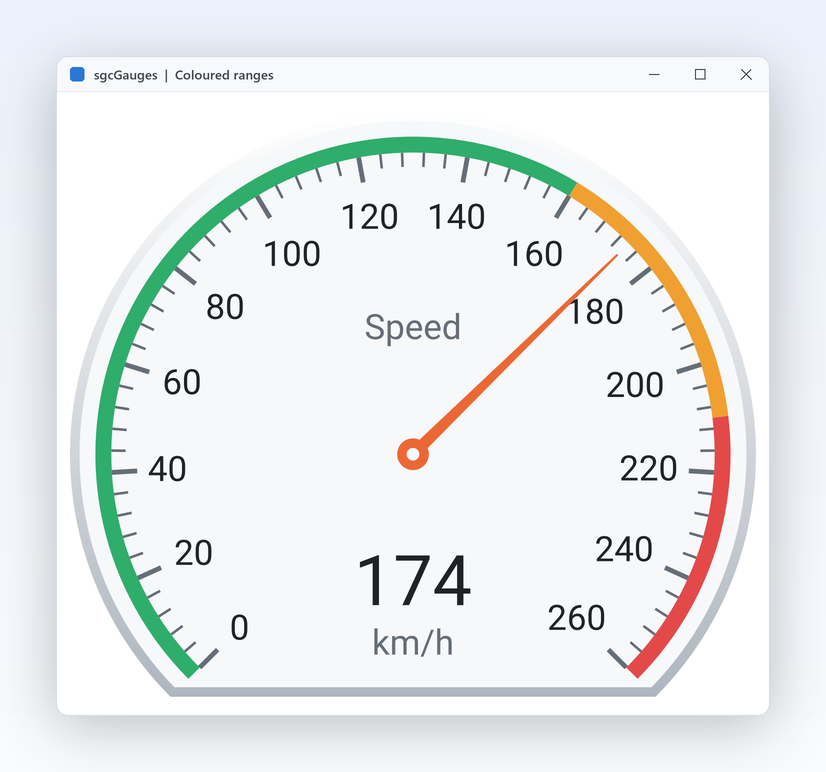
Speedometer from 0 to 260 km/h with green, amber and red ranges
Scales and ranges

Green, amber and red say where the value should be.

  • Scales[0].Ranges.Add draws a band with its own StartValue, EndValue, Color, Thickness and Caption.
  • Minimum, Maximum, MajorInterval and MinorCount set the scale, Reversed runs it backwards.
  • StartAngle and SweepAngle shape the arc of a radial gauge.
Motion

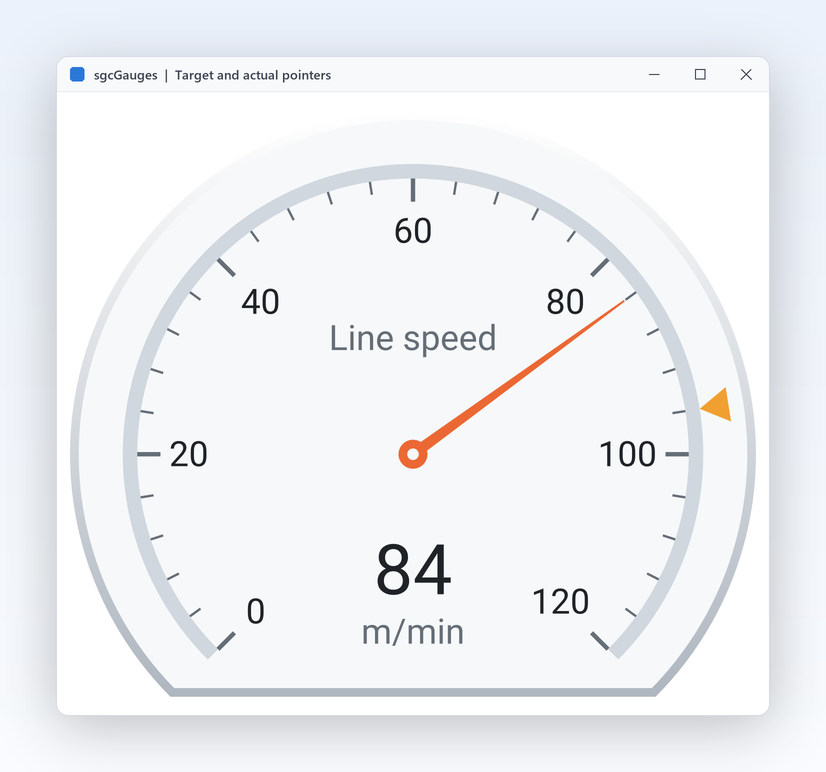
A needle that glides to every new reading.

  • Each new value animates from the old one over Animation.Duration, 300 ms by default.
  • Easing picks one of five curves: geLinear, geQuadOut, geCubicOut, geCubicInOut or geBackOut.
  • Works on every gauge type and in every edition; turn it off for test benches that need the raw value at once.
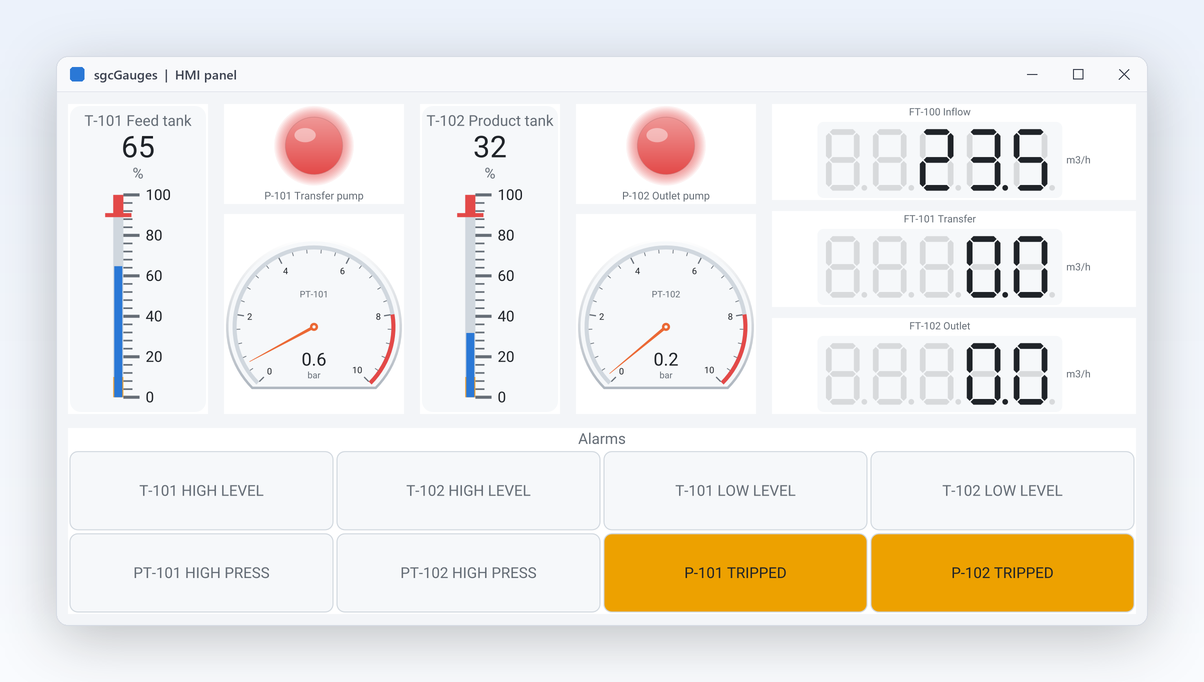
HMIPanel demo with tanks, pumps, LED bars and an annunciator
Alarms and displays

One alarm per crossing, flashing until someone acknowledges it.

  • A TsgcGaugeThreshold has a Value, a Direction and a Hysteresis band, so a hovering pressure fires once.
  • OnThreshold always runs in the main thread, whatever thread wrote the value.
  • Digital gauges draw 7 segment, 14 segment or dot matrix digits; the annunciator flashes its tiles until Acknowledge.
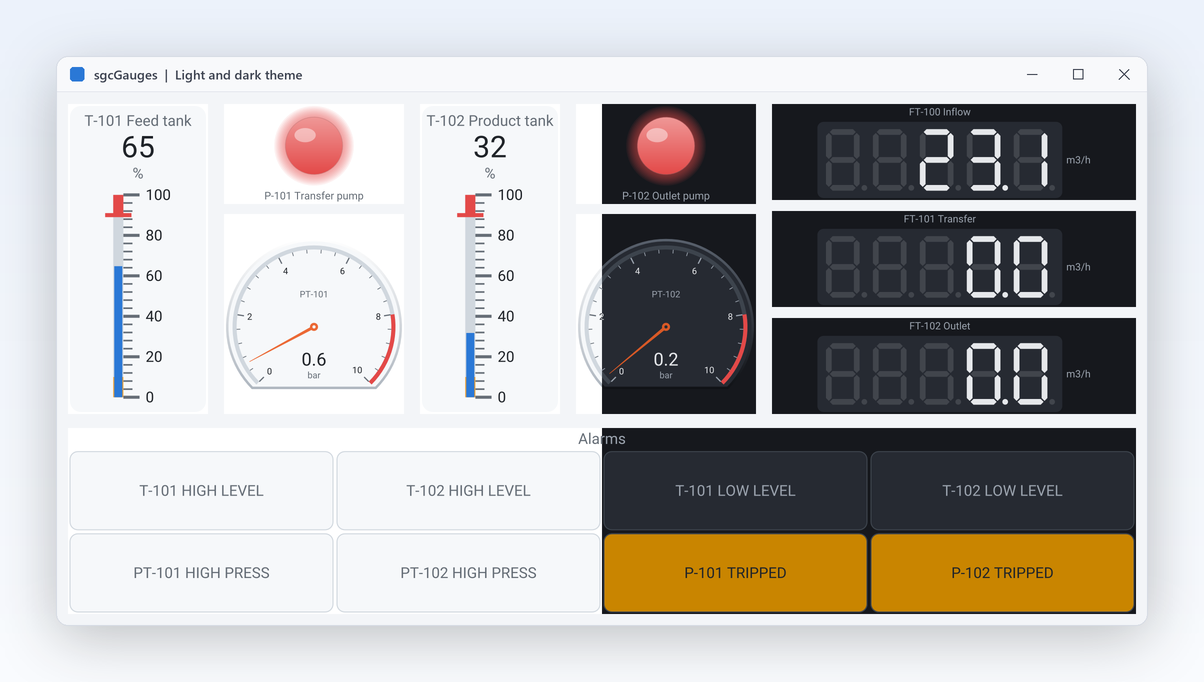
The same tank panel in the light and the dark theme
Output and looks

Day shift, night shift, and a PNG for the report.

  • Theme := utDark or utLight switches face, scale, labels and value; ranges keep their colours.
  • SaveToPNG and SaveToSVG work on every model and control, with no form.
  • A console program, a Windows service or a Linux64 server renders the same instrument the operator sees.

A pressure gauge in a few lines.

Set the scale, add a red band and an alarm threshold, pick an easing curve, then export the same gauge to PNG. The same API in Delphi, C++ Builder and C#.

dotnet add package esegece.sgcGauges.WinForms

C++ Builder and C# versions

uses
  SysUtils, Classes, Controls, Forms, sgcUICore_Theme,
  sgcGauges_Types, sgcGauges_Model, sgcGauges_VCL;

procedure CreatePressureGauge(aForm: TForm);
var
  oGauge: TsgcVCLRadialGauge;
begin
  oGauge := TsgcVCLRadialGauge.Create(aForm);
  oGauge.Parent := aForm;
  oGauge.SetBounds(16, 16, 240, 240);
  oGauge.Title := 'Pressure';
  oGauge.Units := 'bar';
  oGauge.Theme := utDark;
  oGauge.Scales[0].Maximum := 10;
  oGauge.Scales[0].MajorInterval := 2;
  // a red band from 8 to 10 bar
  with oGauge.Scales[0].Ranges.Add do
  begin
    StartValue := 8;
    EndValue := 10;
    Color := $FFE34948;
  end;
  // OnThreshold fires once per crossing, in the main thread
  with oGauge.Thresholds.Add do
  begin
    Value := 8;
    Hysteresis := 0.5;
    Direction := gtdBoth;
  end;
  oGauge.Animation.Easing := geCubicOut;
  oGauge.Value := 6.5;
  // the same drawing code exports the gauge to PNG at twice its size
  oGauge.SaveToPNG(ExtractFilePath(ParamStr(0)) + 'pressure.png', 2);
end;

Part of sgcUI.

Buy sgcGauges on its own, or get it in the sgcUI Professional and Enterprise editions, next to the products that share its theme and runtime. Each comes with source code.

On its own

sgcGauges

The gauges on their own, full source code and 1 year of updates.

€199 / developer
sgcGauges pricing

Standard

sgcGrid, sgcNavigation, sgcToolbar and sgcEditors.

€380 / developer
See Standard
Includes sgcGauges

Professional

Standard plus sgcCharts, sgcDashboard and sgcGauges.

€529 / developer
See Professional
Includes sgcGauges

Enterprise

All 14 sgcUI products.

€699 / developer
See Enterprise

For .NET, esegece.sgcGauges.Community on NuGet is free, with six gauge types. sgcGauges is also in the All-Access bundle.

Explore sgcUI

Put sgcGauges in your own application today.

Download the trial and run the Gallery, HMIPanel and DashboardGauges demos, or browse every feature first.

Latest from the blog

View all posts →

You are seeing the sgcGauges view of eSeGeCe.

Show me another angle →
30-Day Money-Back GuaranteeNot satisfied? Request a full refund within 30 days of purchase. See refund policy