sgcCapture. Read every barcode. No SDK needed.
sgcCapture reads 11 barcode formats from images, multi-page TIFF and PDF files, scans documents from WIA and TWAIN scanners, decodes the live frames of a camera and makes searchable PDF files with the Windows OCR engine, for Delphi, C++Builder and .NET. No external libraries and no runtime fees.
- Delphi 7 to 13
- C++ Builder 2007 to 13
- .NET
- Windows
- macOS
- Linux
- iOS
- Android
- 11barcode formats, from Code 128 and EAN-13 to QR Code, Data Matrix, PDF417 and GS1-128
- 10 msto read a QR Code in a 720p camera frame (Win32)
- 276/276images of the OpenCV QR Code test corpus read
- 0external libraries, barcode or OCR SDKs and runtime fees
From paper and pixels to data.
Read the barcodes of an image, a TIFF or a PDF file, scan a feeder batch, decode a camera in real time and turn the pages into a searchable PDF, with components that share one result model.
Barcode reader
TsgcCaptureBarcodeReaderreads several symbols per image, at any angle for 2D, through rotation, perspective, blur, noise and low contrast.Images and PDF
JPEG, PNG, BMP, TIFF (every page, CCITT G3 and G4), PBM, PGM, PPM and the pages of vector and scanned PDF files.
Scanner
TsgcCaptureScannerdrives WIA 2.0 and TWAIN 2.x scanners: flatbed, feeder and duplex.Camera
TsgcCaptureCameracaptures video with Media Foundation and decodes the barcodes of the live frames.OCR
TsgcCaptureOCRrecognizes text with the Windows OCR engine (Windows 10 or later) and makes searchable PDF files.Scan to PDF
TsgcCapturePDFWriterwrites scanned pages as PDF, with JPEG pass through, 1 bit pages and PDF/A-2b.Viewers
Show the pages and outline every symbol with
TsgcCaptureView(VCL and WinForms),TsgcCaptureViewFMX,TsgcWpfCaptureViewandTsgcAvaloniaCaptureView.Every platform
The reader, the image and PDF input and the PDF writer run on Windows, macOS, Linux, iOS and Android. Scanner, camera and OCR are Windows only.
Every barcode of a PDF file in a few lines.
TsgcCaptureBarcodeReader reads all 11 formats by default. ReadFromFile takes an image, every page of a TIFF file or every page of a PDF file, and Results holds each symbol with its text, format, page and corners.
No form and no SDK. More sgcCapture examples
uses
  SysUtils, Classes,
  // sgc
  sgcCapture_Types, sgcCapture_Reader;

procedure ReadLabels;
var
  oReader: TsgcCaptureBarcodeReader;
  oResult: TsgcCaptureBarcodeResult;
  i: Integer;
begin
  oReader := TsgcCaptureBarcodeReader.Create(nil);
  try
    // all 11 formats are read by default
    oReader.TryHarder := True;
    // an image, every page of a TIFF or every page of a PDF
    oReader.ReadFromFile('labels.pdf');
    for i := 0 to oReader.Results.Count - 1 do
    begin
      oResult := oReader.Results[i];
      WriteLn('page ', oResult.PageIndex, ': ', oResult.Text);
    end;
  finally
    oReader.Free;
  end;
end;
Part of sgcUI.
Buy sgcCapture on its own, or get it in sgcUI Enterprise next to every other sgcUI product. Each comes with source code.
sgcCapture
Barcode reading, scanning, camera and OCR on their own, with sgcPDF included, full source code and 1 year of updates.
Standard
sgcGrid, sgcNavigation, sgcToolbar, sgcEditors and sgcLocalization.
sgcCapture reads and writes PDF files with the sgcPDF engine, and every sgcCapture license includes sgcPDF. It ships with the sgcUI 2026.12.0 setup. For .NET, the NuGet packages are esegece.sgcCapture, esegece.sgcCapture.WinForms, esegece.sgcCapture.Wpf and esegece.sgcCapture.Avalonia. sgcCapture is also in the All-Access bundle.
Works with the rest of sgcUI.
sgcCapture reads the data. These sgcUI products print it, show it and store it.
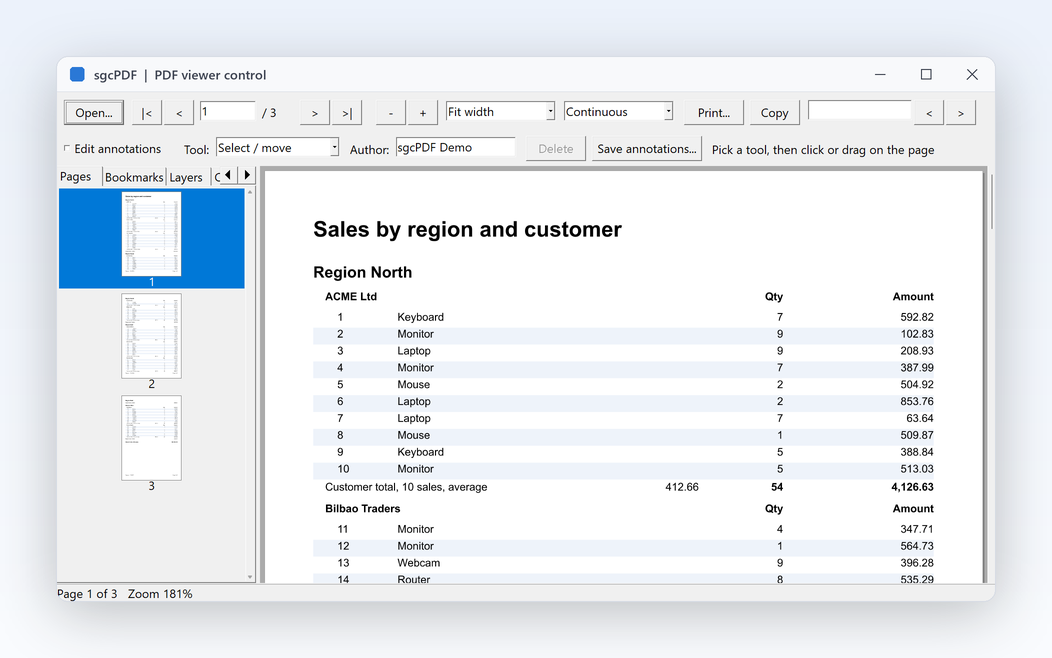
sgcPDF
The PDF library included with sgcCapture, with a viewer for the PDF files it writes.
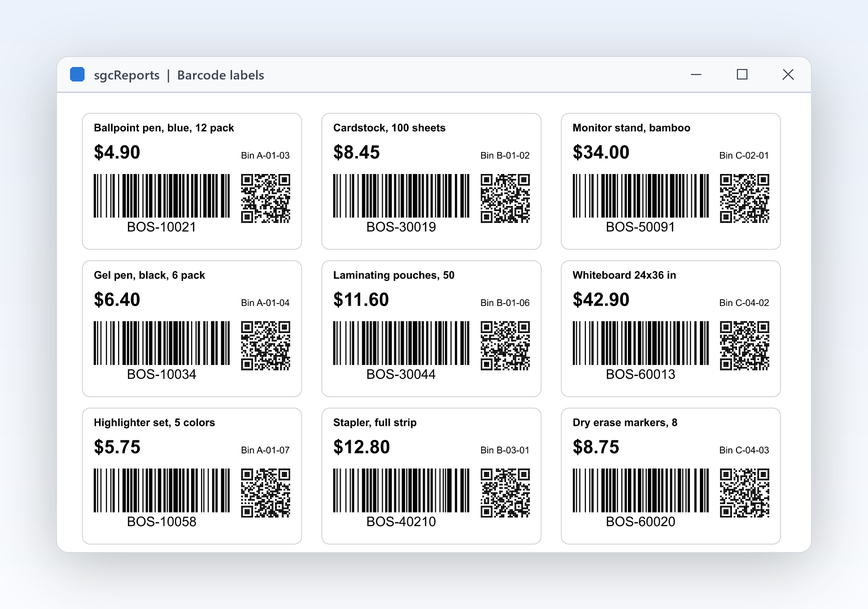
sgcReports
A report engine that prints the barcodes sgcCapture reads back.
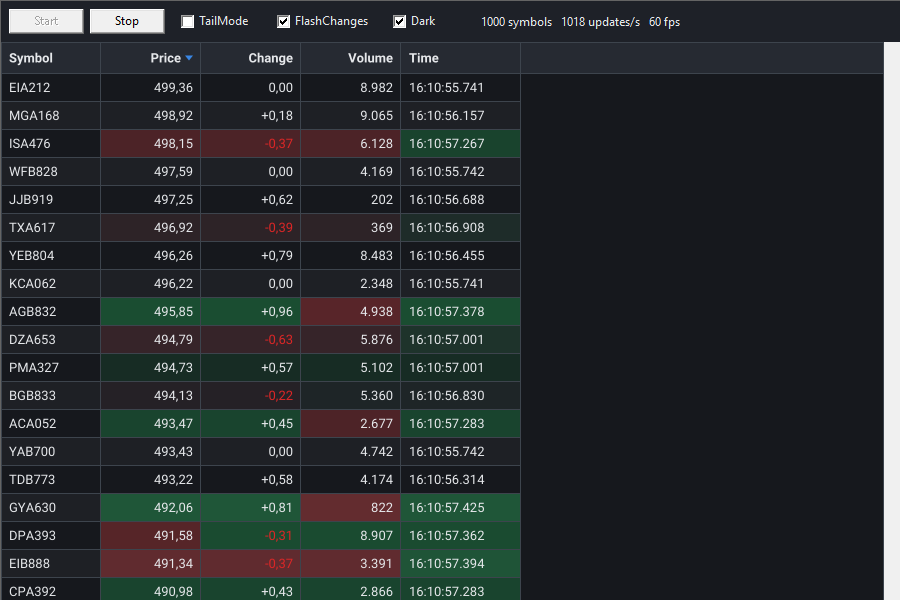
sgcGrid
A data grid to list and edit the symbols of a scan batch.
Professional adds
Put sgcCapture in your own application.
sgcCapture ships with sgcUI 2026.12.0, with the BarcodeReader, Scanner, Camera, SearchablePDF and CaptureCLI demos. Browse every feature or pick a license now.